
5.3 Animation and Interaction Libraries
Goal of this section: Understand the positioning of mainstream animation libraries, learn how to choose the right animation solution based on your needs, and master prompt-writing techniques for working with AI.
A well-placed animation can turn a page from "usable" into "pleasant to use." But too much animation can make users dizzy. As the pros say: "Good animation should be almost invisible to the user—it should simply make interactions feel smoother, not steal the spotlight."
Motion (formerly Framer Motion) — The top choice for React animations
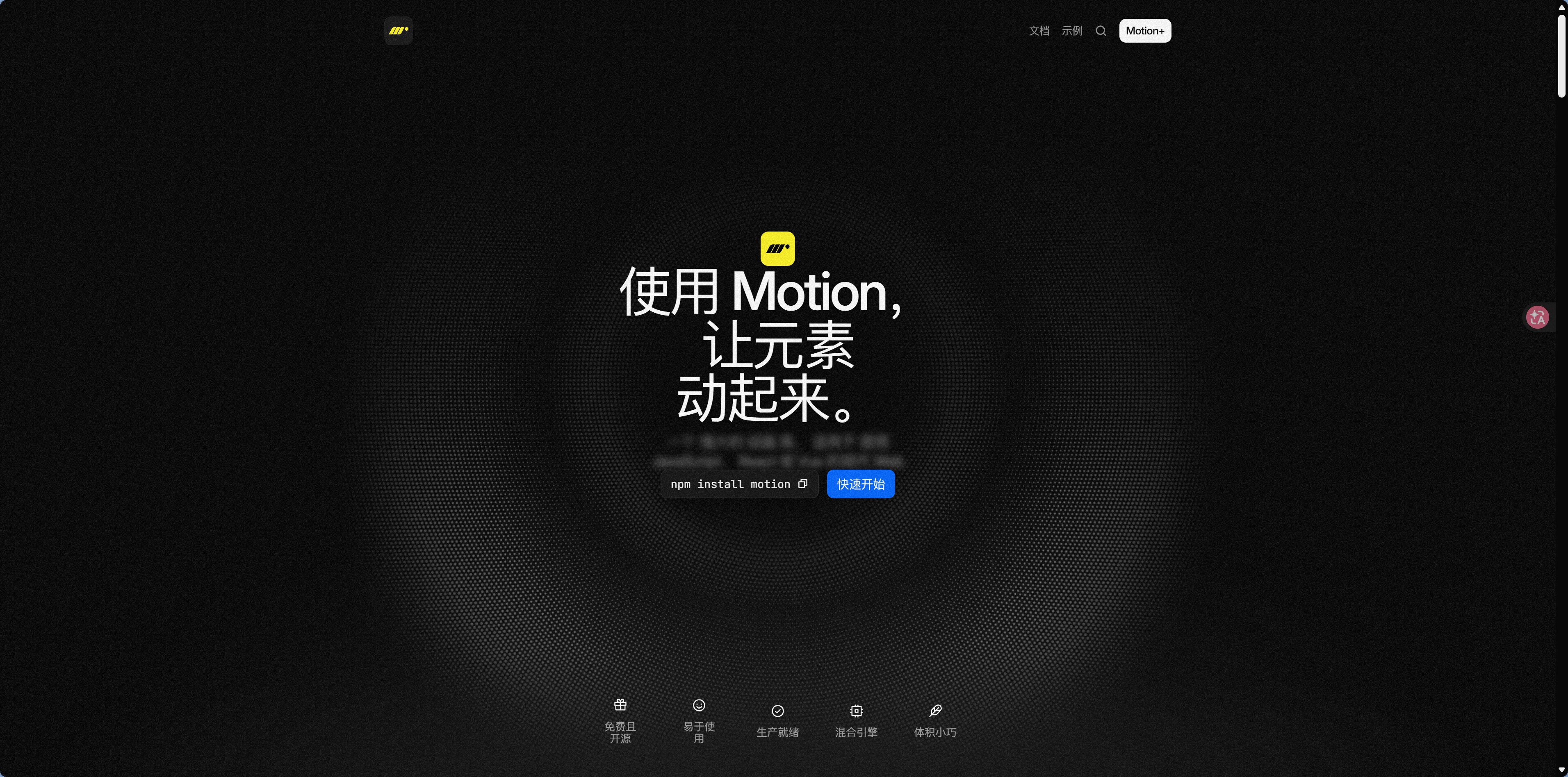
Official Motion Examples | React, JS & Vue Animations
Motion (package name motion, formerly framer-motion) is the most popular animation library in the React ecosystem, with 30,000+ GitHub stars. You only need to describe "what the element should look like when the animation ends," and Motion calculates the in-between states for you—which fits React's "describe the result, not the steps" philosophy.
Common animation scenarios and prompts:
| The effect you want | Tell AI |
|---|---|
| Element fades in | "Use Motion to add a fade-in animation to this card" |
| List items appear one by one | "Use Motion's staggerChildren to fade in the list items one by one" |
| Drag-to-sort | "Use Motion's Reorder component to implement drag-and-drop sorting" |
| Page transition animation | "Use Motion's AnimatePresence to create page transitions" |
| Scroll-triggered animation | "Use Motion's whileInView to trigger the animation when the element enters the viewport" |
GSAP — A professional-grade animation engine
GSAP — A professional-grade animation engine
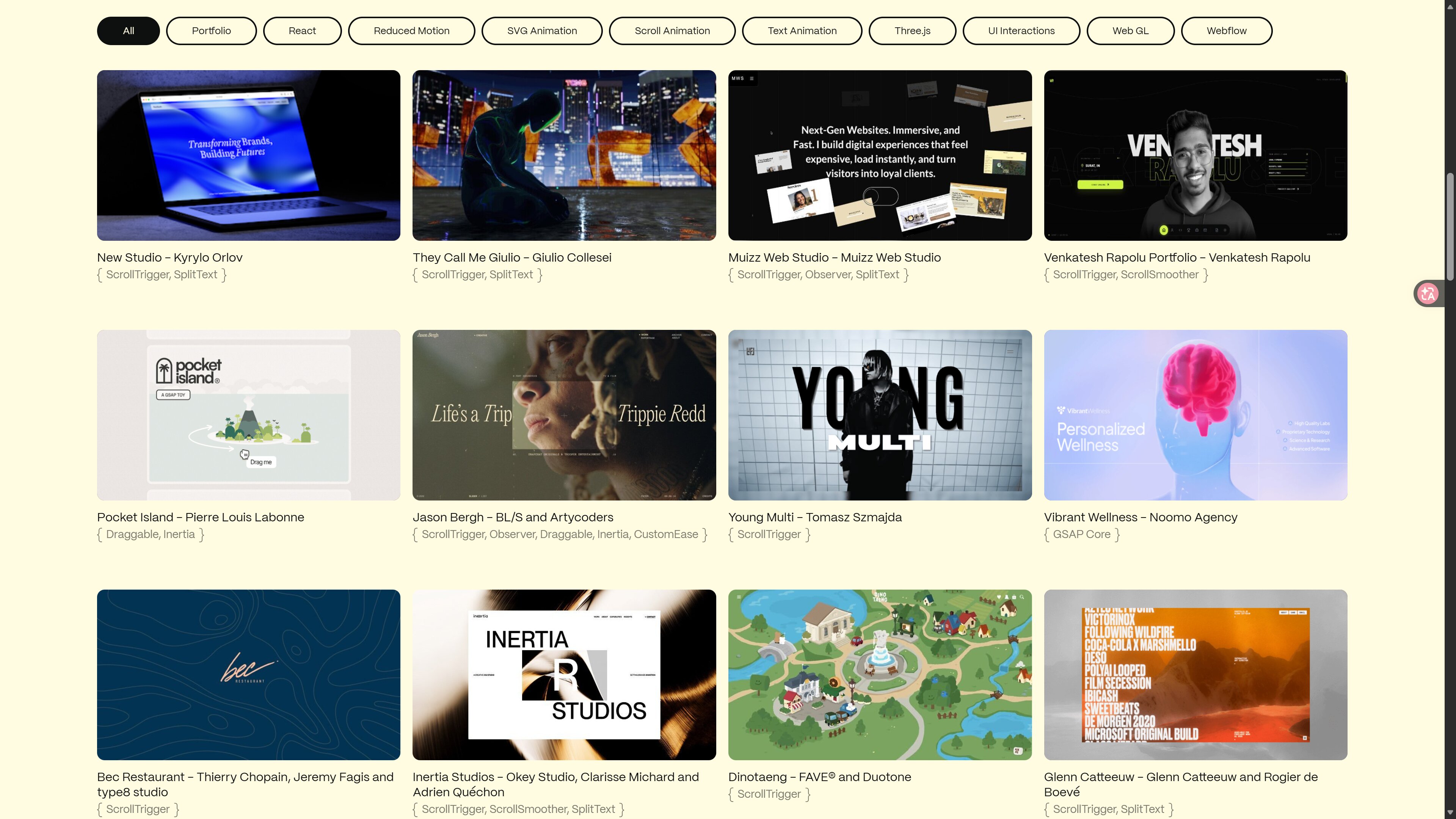
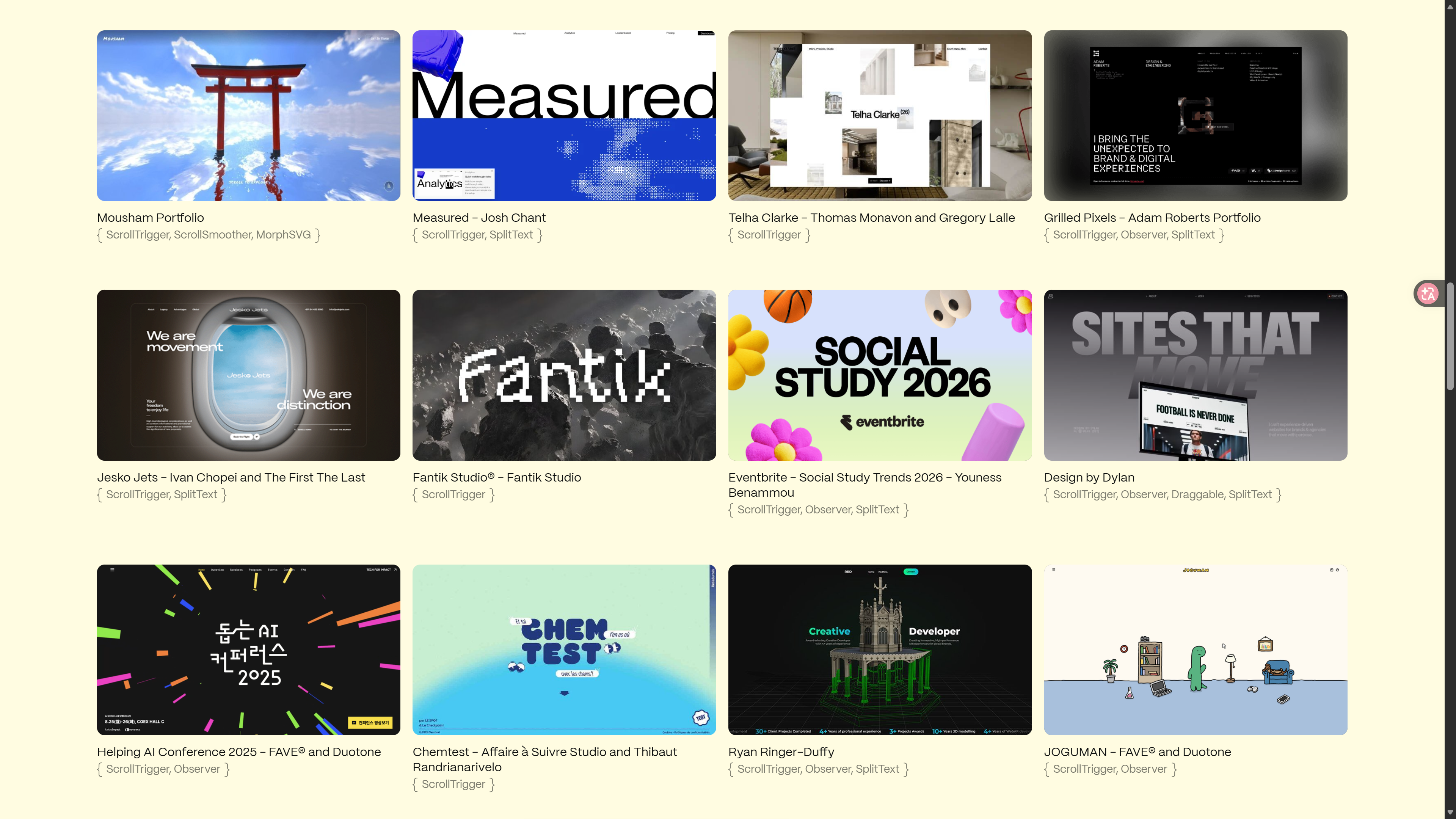
GSAP (GreenSock Animation Platform) is a long-standing powerhouse in the world of Web animation, with extremely strong performance and the ability to create the most complex animation effects.
Features:
- Best-in-class performance, with no dropped frames even in complex animations
- Supports timelines, so you can sequence multiple animations in order—similar to a video editing timeline, where you can decide which animation plays first, which plays next, and how much delay sits between them
- Rich plugin ecosystem: ScrollTrigger (scroll-based triggers), Draggable (dragging), MorphSVG (SVG morphing)
- Not limited to React; it works with any framework
Best for:
- Eye-catching scroll animations on marketing landing pages
- Complex SVG animations and path animations
- Animation sequences that require precise timeline control
- Scenarios with extremely high performance requirements
Prompt examples:
"Use GSAP's ScrollTrigger to create a parallax scroll effect (the kind you often see on Apple's website, where the background and foreground scroll at different speeds), with the background image scrolling slower than the content"
"Use a GSAP Timeline to create an intro animation: first the logo fades in, then the title slides in from the left, and finally the button pops in"
 |  |
Three.js — The ultimate tool for 3D effects
Three.js – JavaScript 3D Library
If you want to create 3D effects on the web, Three.js is the only choice. Paired with the React wrapper library @react-three/fiber, you can build 3D scenes using React components.
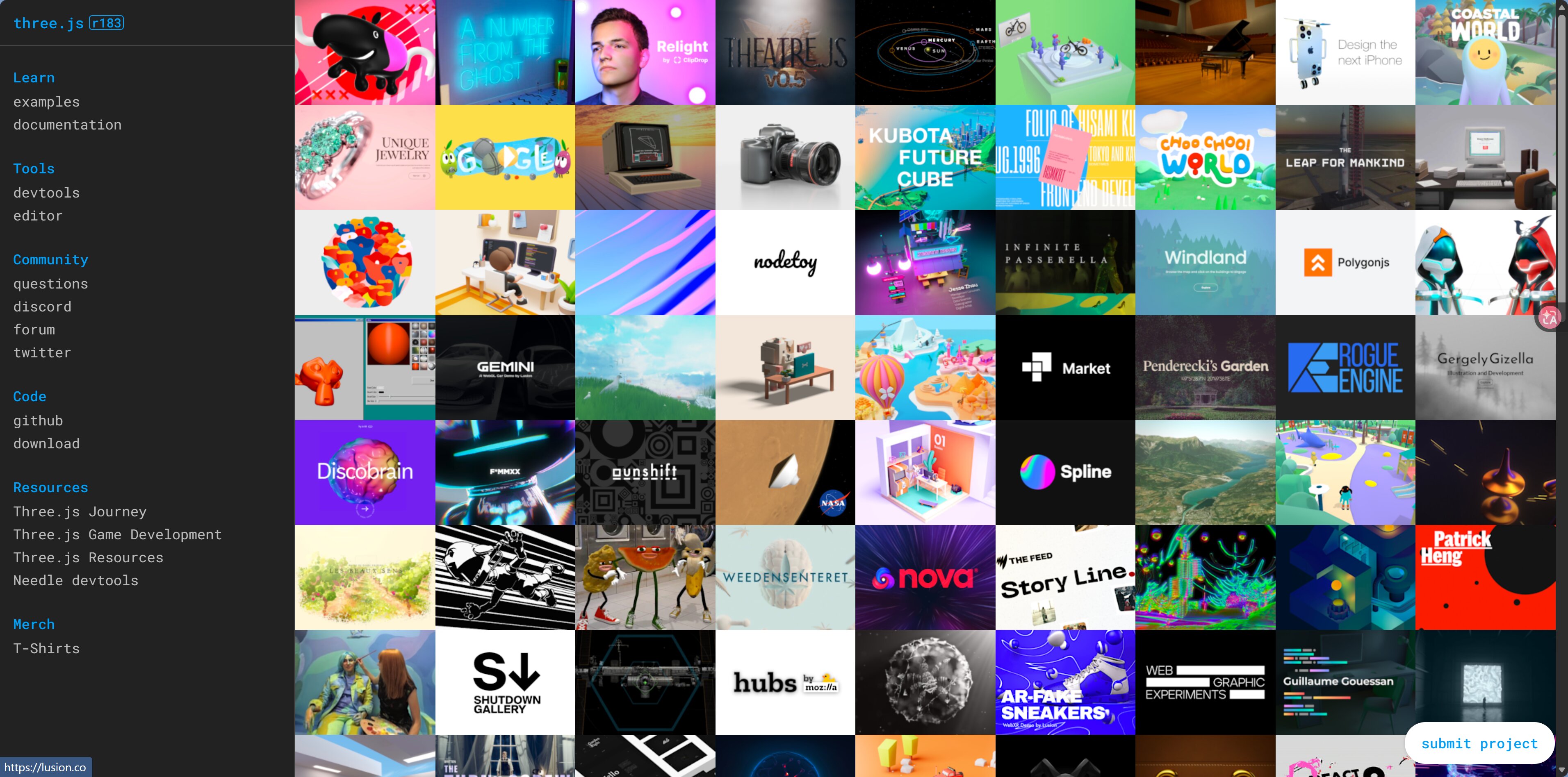
Best for:
- 3D product showcases (rotating views)
- Particle-effect backgrounds
- Interactive 3D scenes
- 3D charts for data visualization
列表交错淡入
滚动触发
Lightweight animation solutions
Not every animation requires a large library. For some simple effects, CSS is enough:
| Effect | Solution | Library required? |
|---|---|---|
| Button hover color change | CSS transition | No |
| Element fade in/out | CSS @keyframes | No |
| Simple slide in/out | Tailwind CSS animate-* | No |
| Staggered list item animation | Motion | Yes |
| Complex scroll animation | GSAP ScrollTrigger | Yes |
| 3D effects | Three.js | Yes |
Prompt examples:
"Add a hover effect to this button using pure CSS transition, without introducing any extra libraries"
"This loading animation can just use Tailwind's animate-spin; there's no need for Motion"
Animation library decision tree
你需要什么动画?
The right amount of animation
Less is more.
- Keep animation duration between 200-500ms: too fast and users can't see it clearly, too slow and it feels laggy
- Animations triggered directly by the user (click, hover) can be a bit more noticeable
- Autoplay animations (when entering the viewport) should be more subtle
- Reduce animations on mobile to save battery and data
Next step
Now you know how to make a page move—but what kind of motion actually looks good? Continue to 5.4 UI Styles and Inspiration to explore some design inspiration.