
5.1 AI Design Tools
Goal of this section: Understand the positioning and use cases of mainstream AI design tools, learn how to choose the right tool for the right scenario, and use them together with Claude Code.
There are many AI tools on the market built specifically for UI/UX. Each has its own strengths, and combining them wisely can make your work much more efficient.
Workflow
Use these tools to generate the initial UI, and let Claude Code handle integration and modifications. Recommended flow: create a prototype with a design tool → copy the code into your project → use Claude Code for business logic integration and fine-tuning.
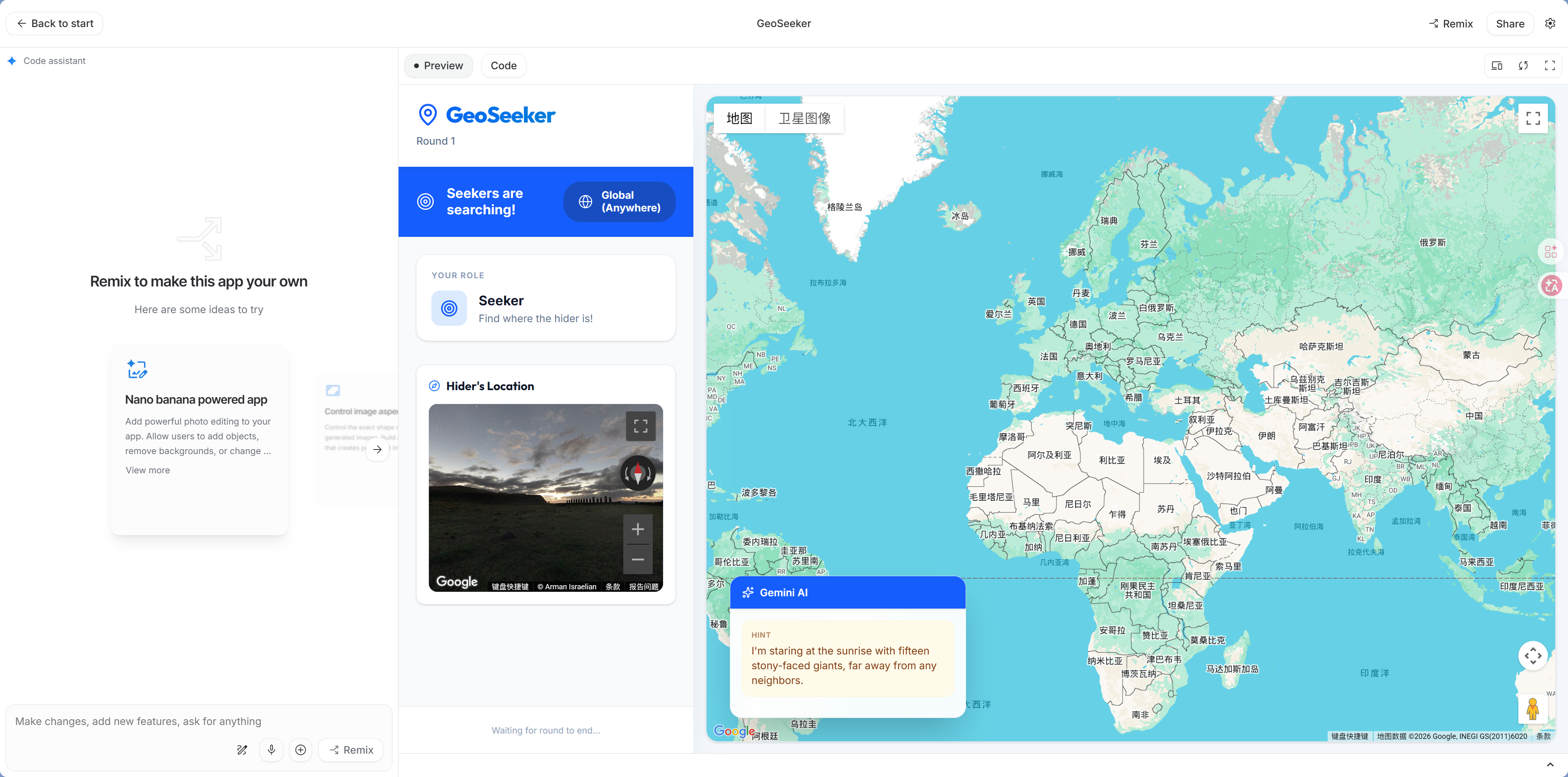
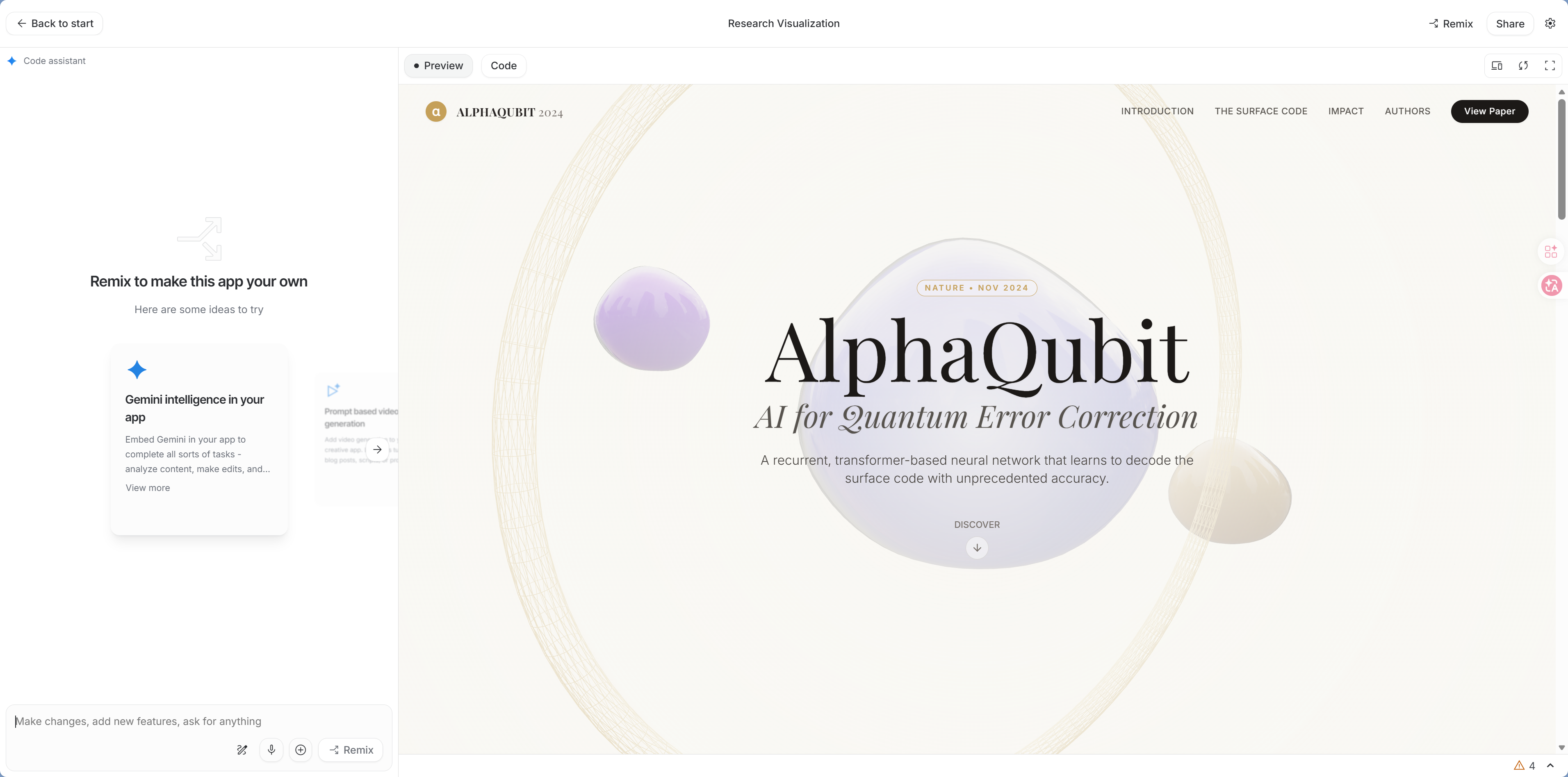
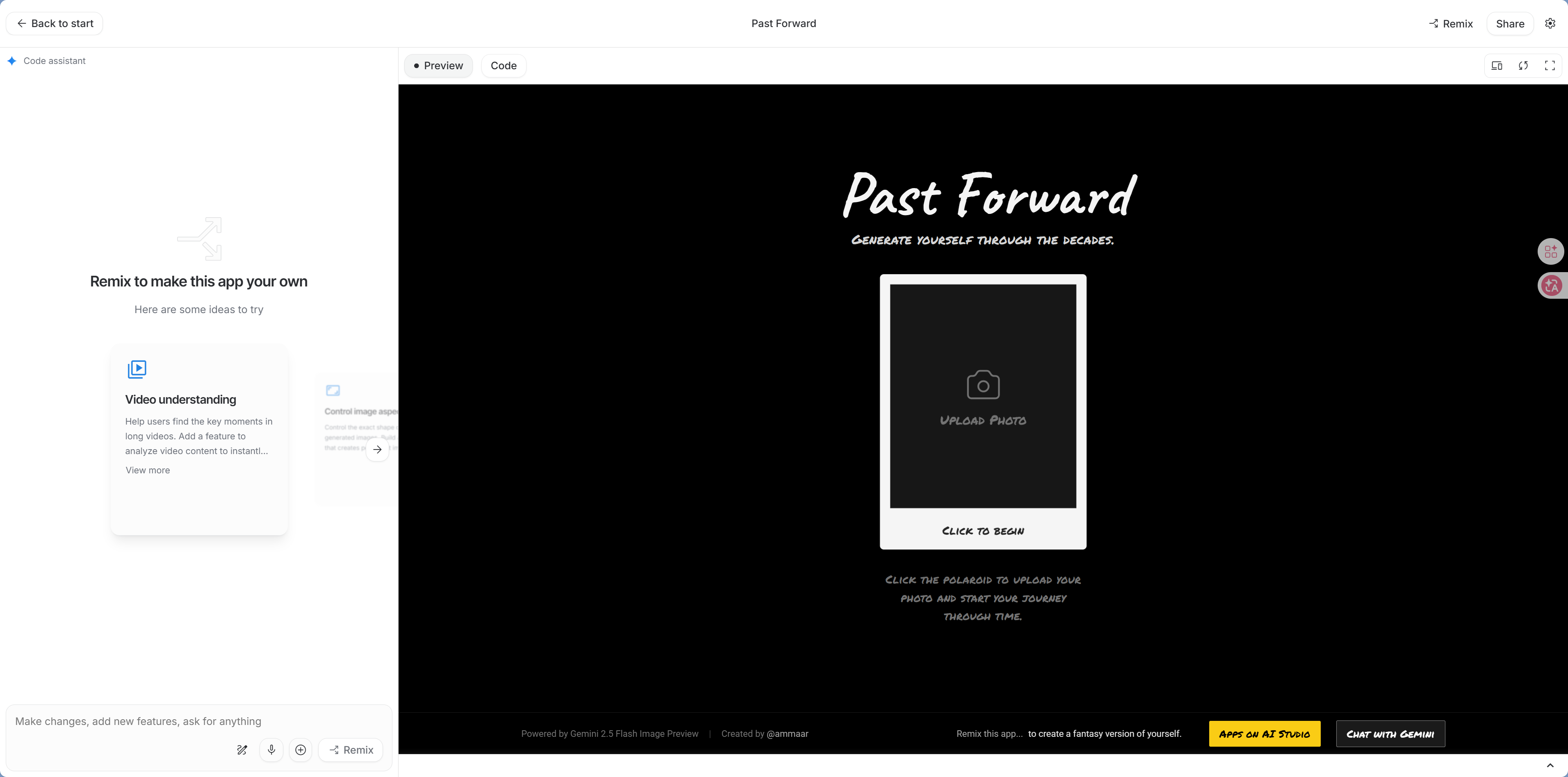
Google AI Studio — AI App Development Platform (Highly Recommended)
Google's AI app development platform can use Gemini models to generate complete web apps, including the UI. You can think of it as an online version of Claude Code provided by Google—just open it in your browser and start using it, with no local setup required.
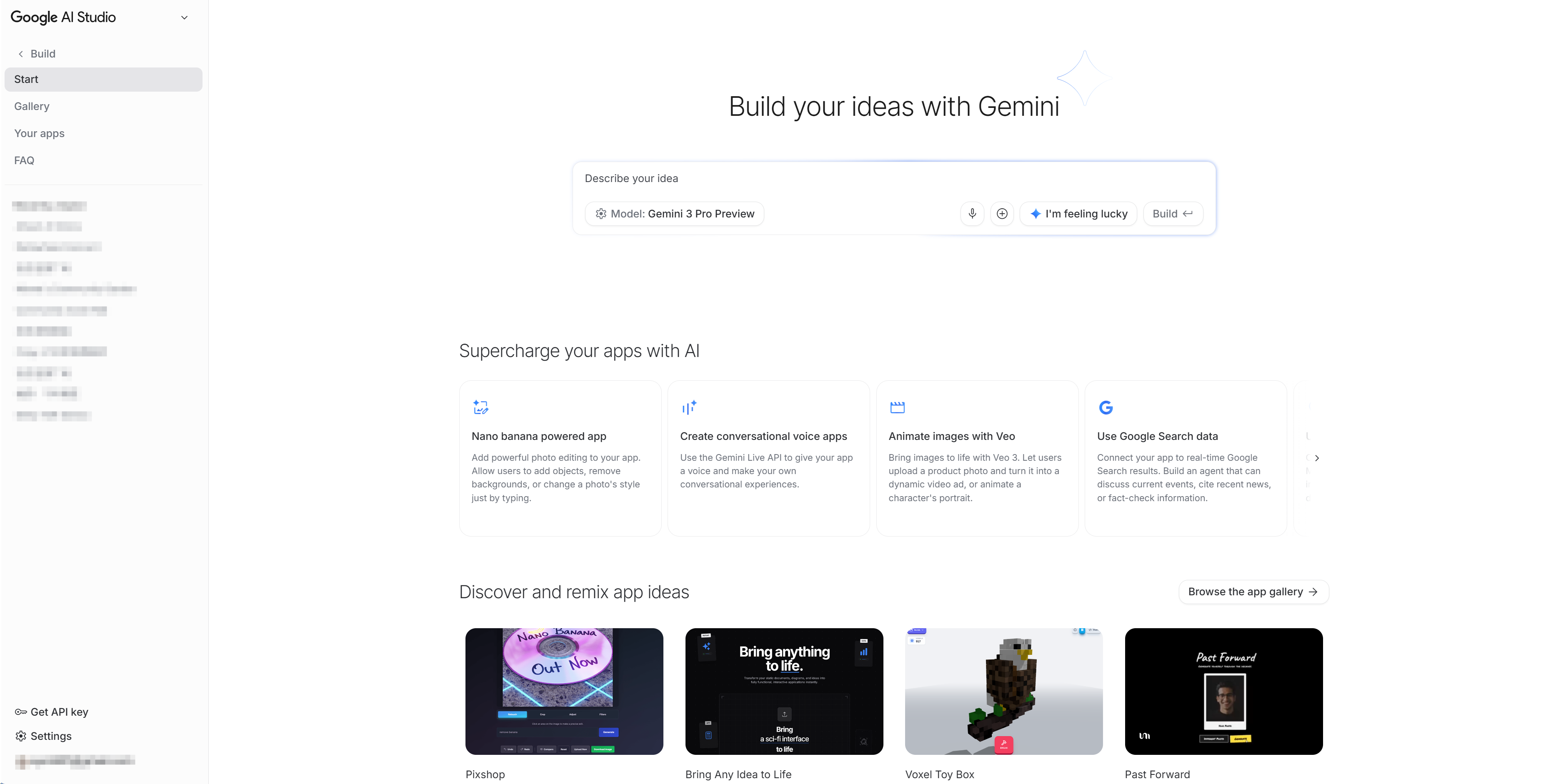
Best for:
- Quickly building AI-powered app prototypes
- Projects that need Gemini model integration
- Wanting a one-stop workflow from design to deployment
- Free users
Visit: aistudio.google.com
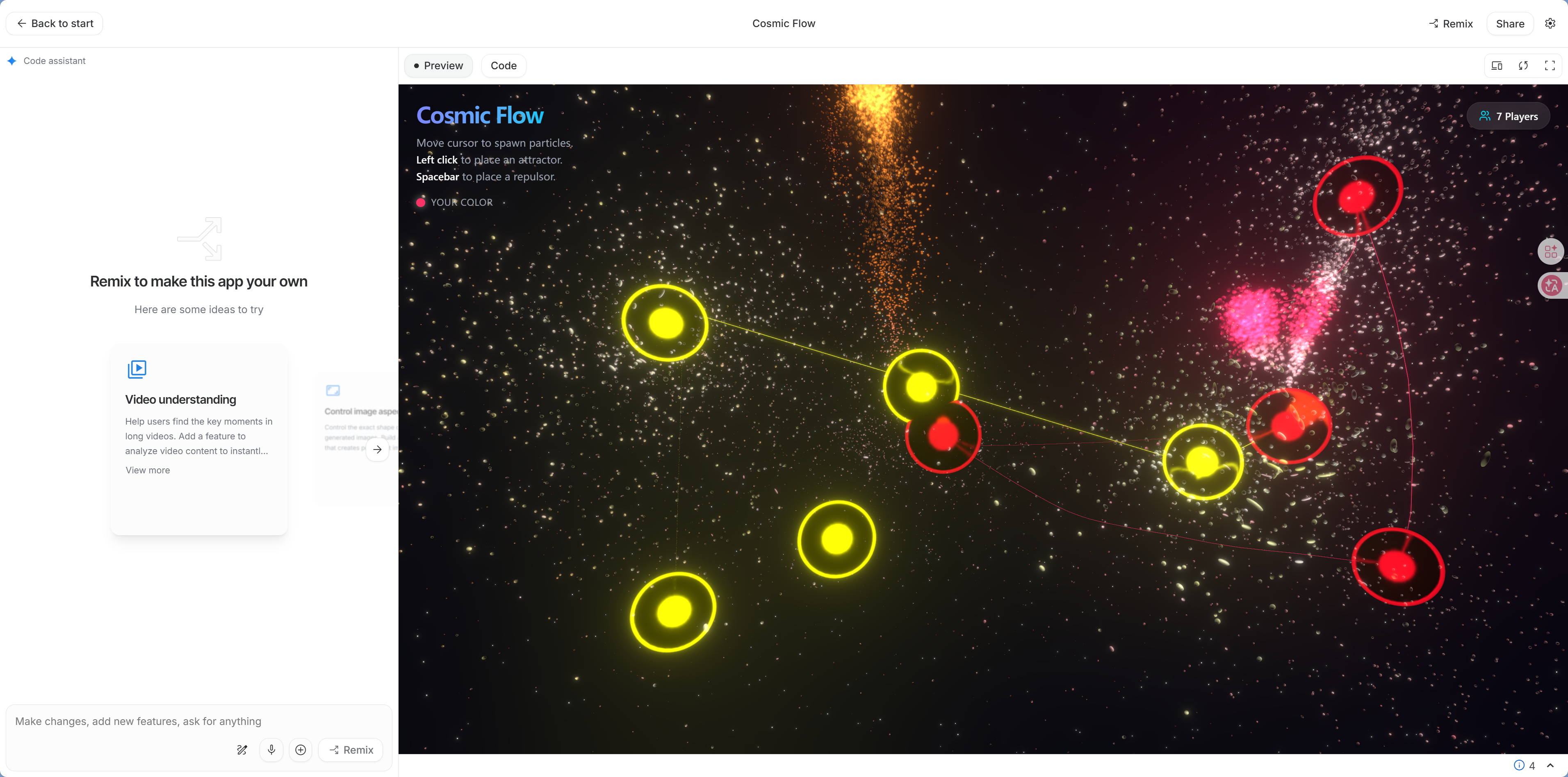 | 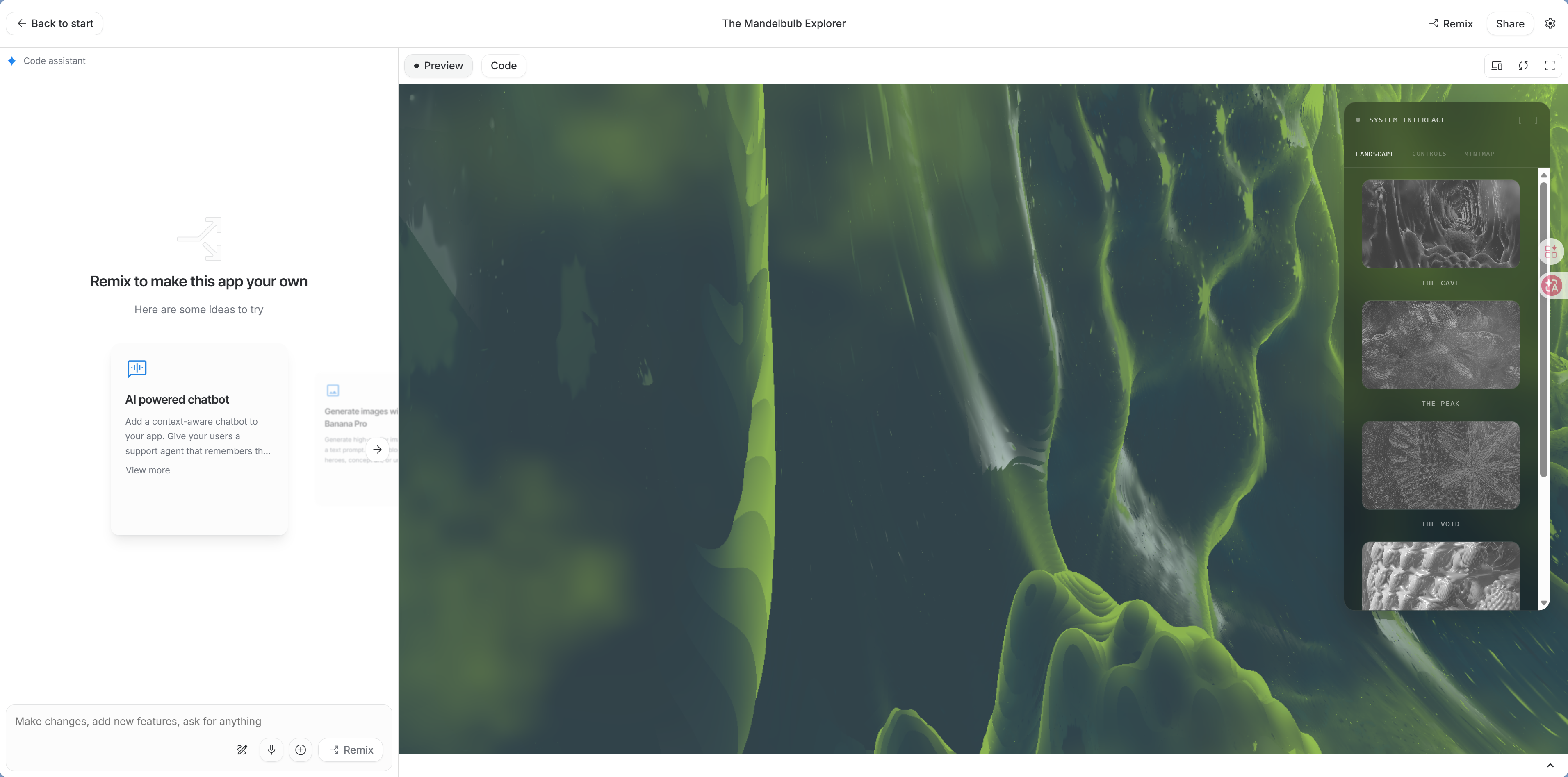 |
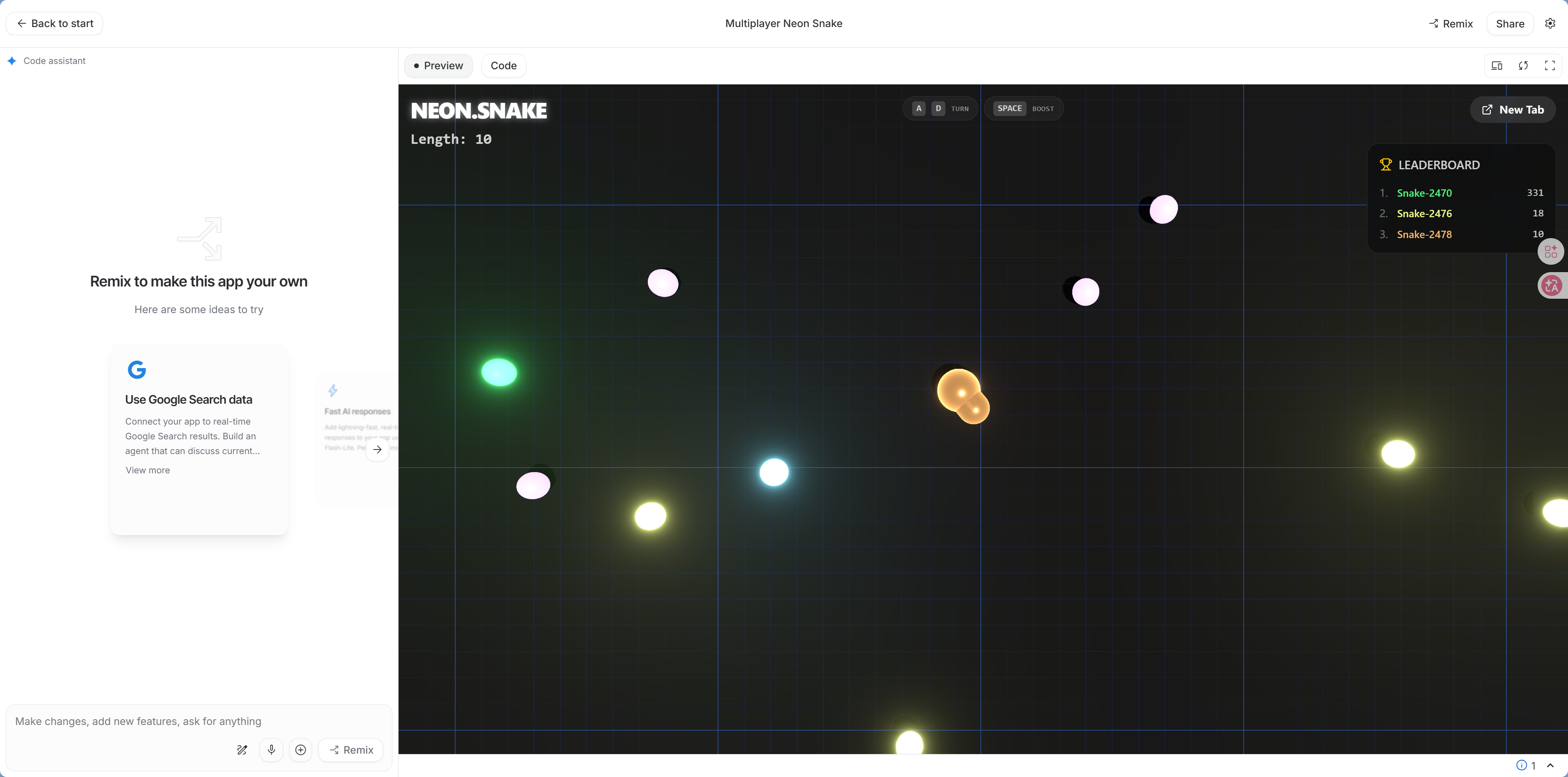 |  |
 |  |
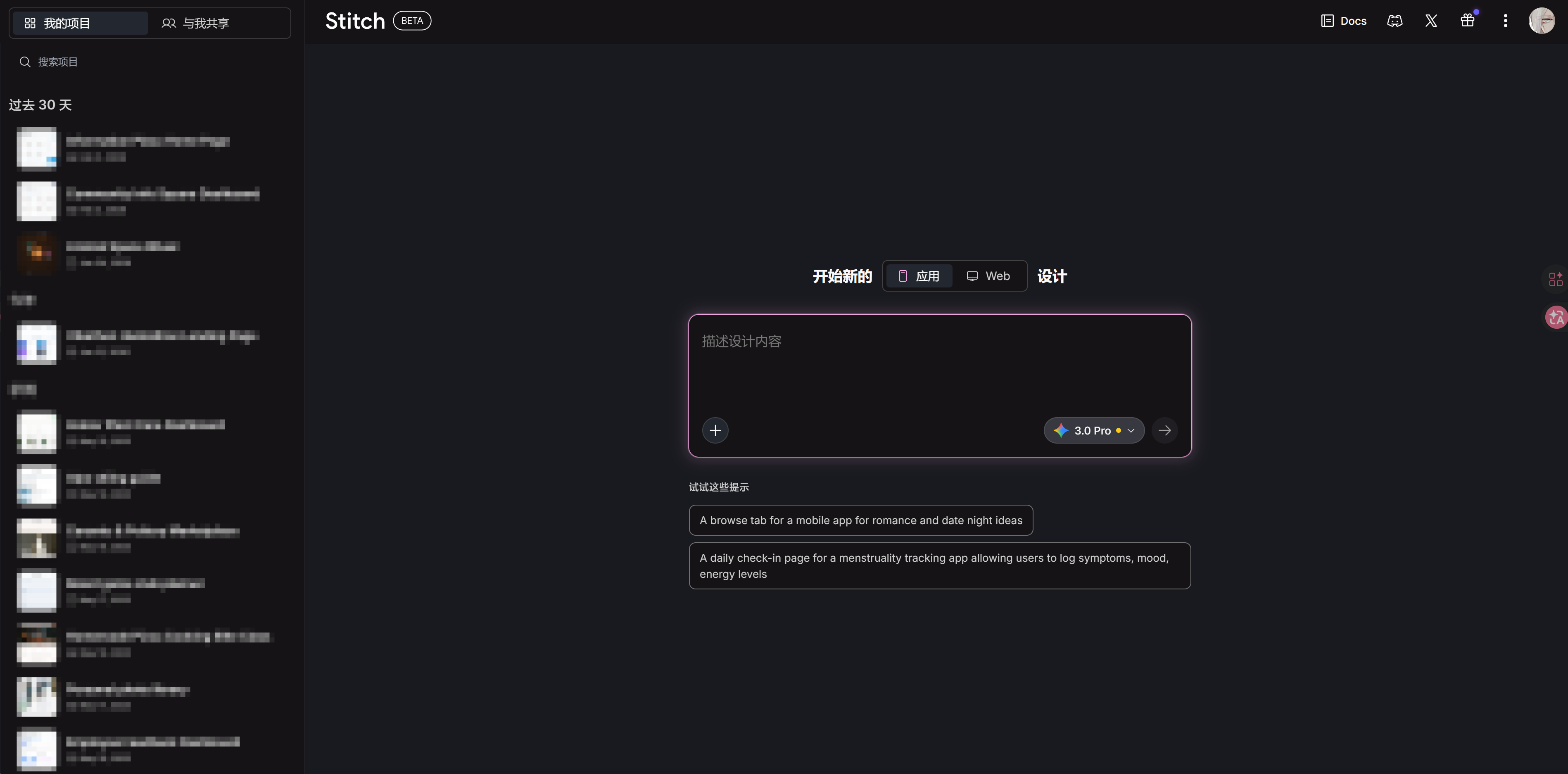
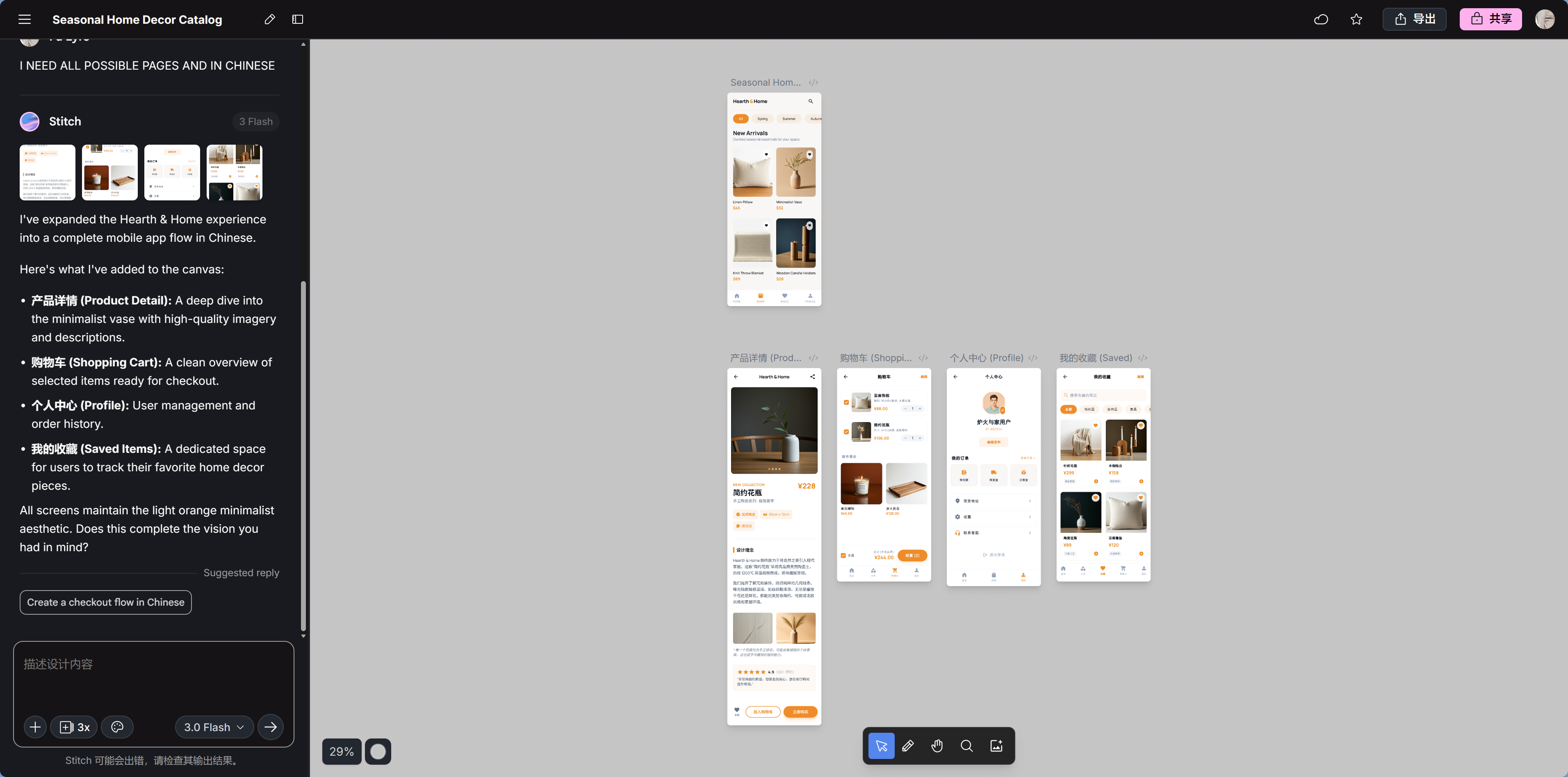
Google Stitch — AI Prototype Design
Google's AI UI prototyping tool can generate complete UI mockups from text descriptions or sketches.
Best for:
- Designing page layouts from scratch
- When you need design mockups rather than code (a mockup is something you can look at but not run, while code is a program you can run directly—Stitch gives you the former)
- Quickly validating the visual direction of a product idea
- Free
Visit: stitch.withgoogle.com
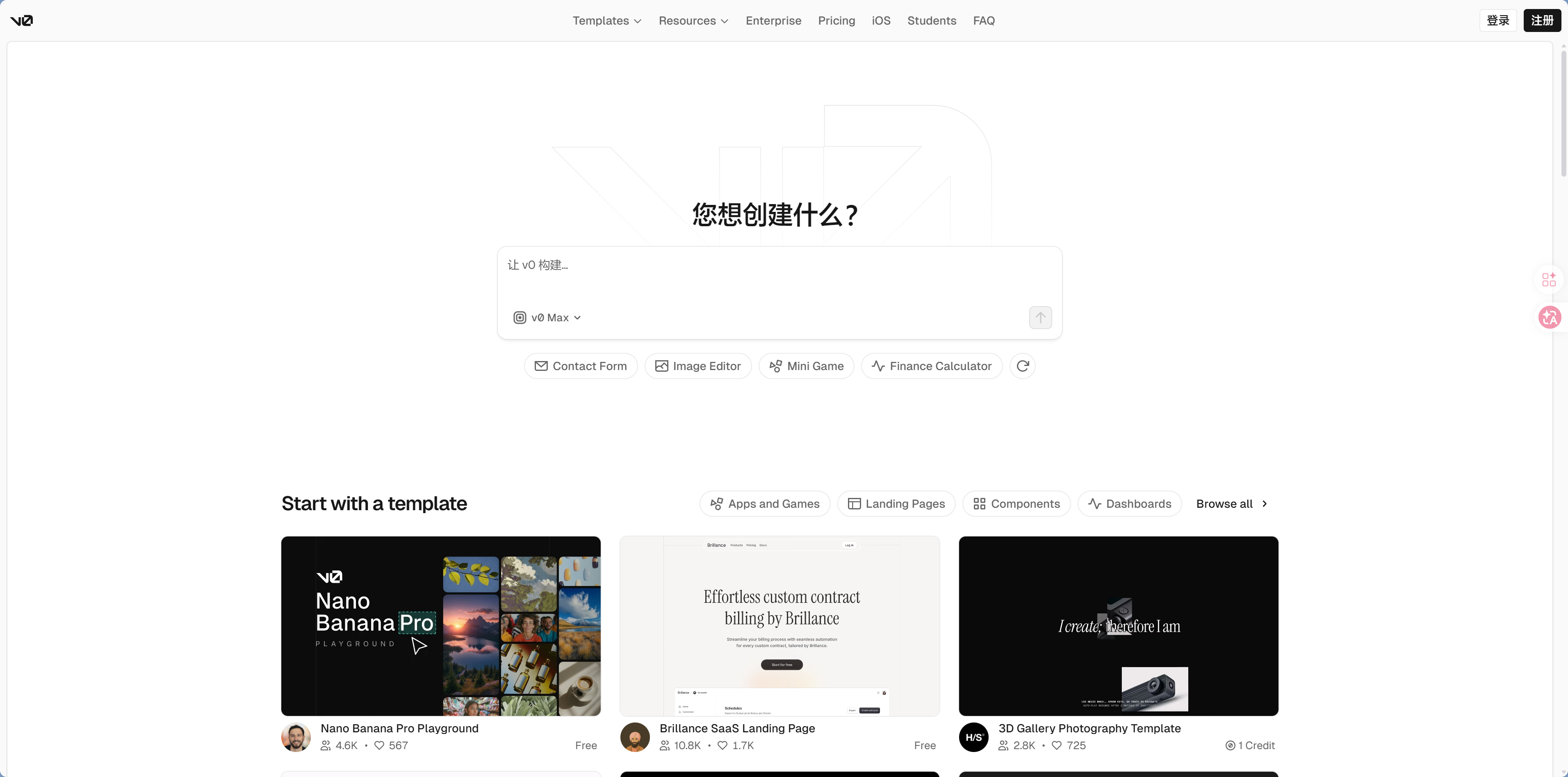
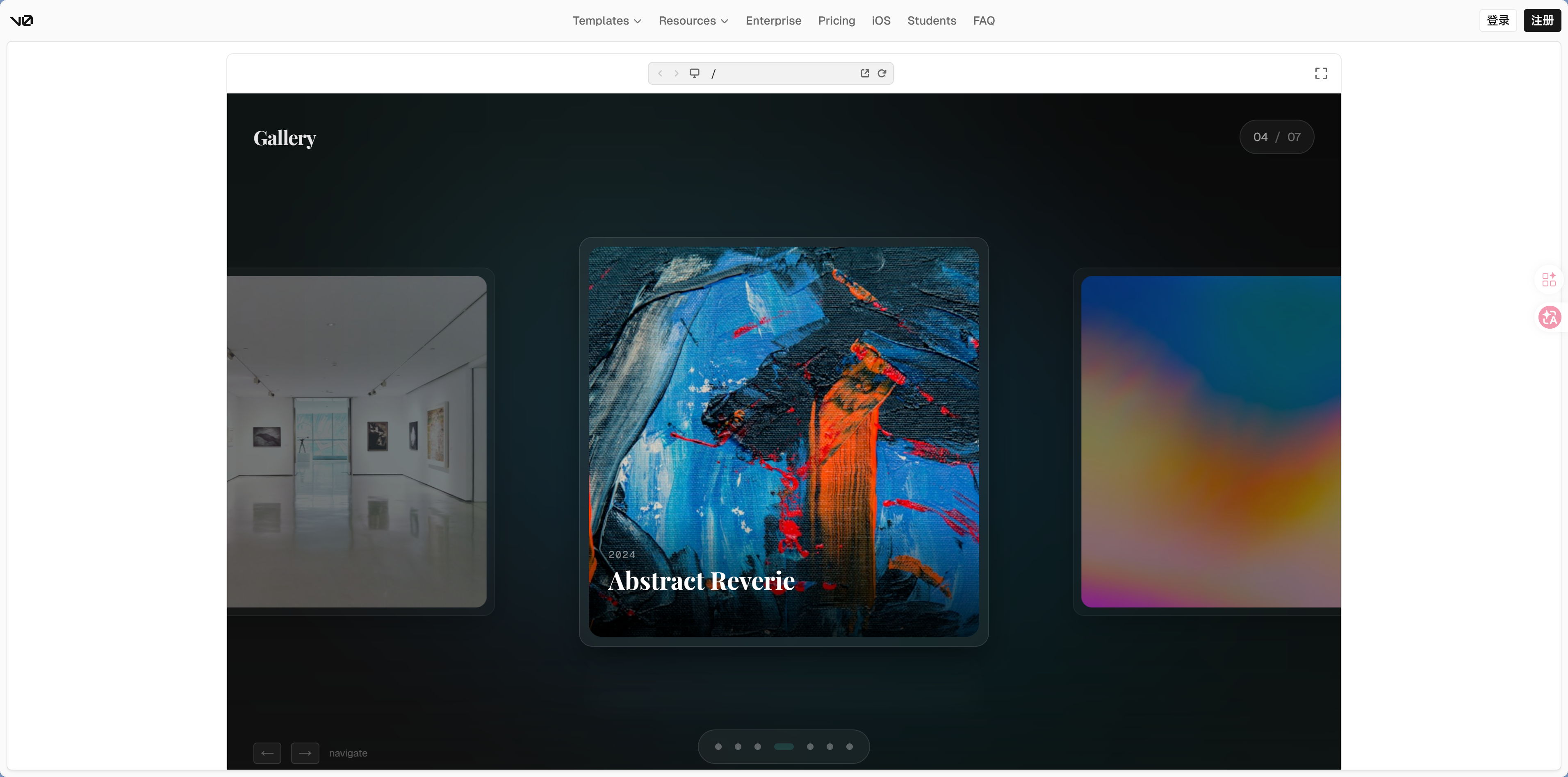
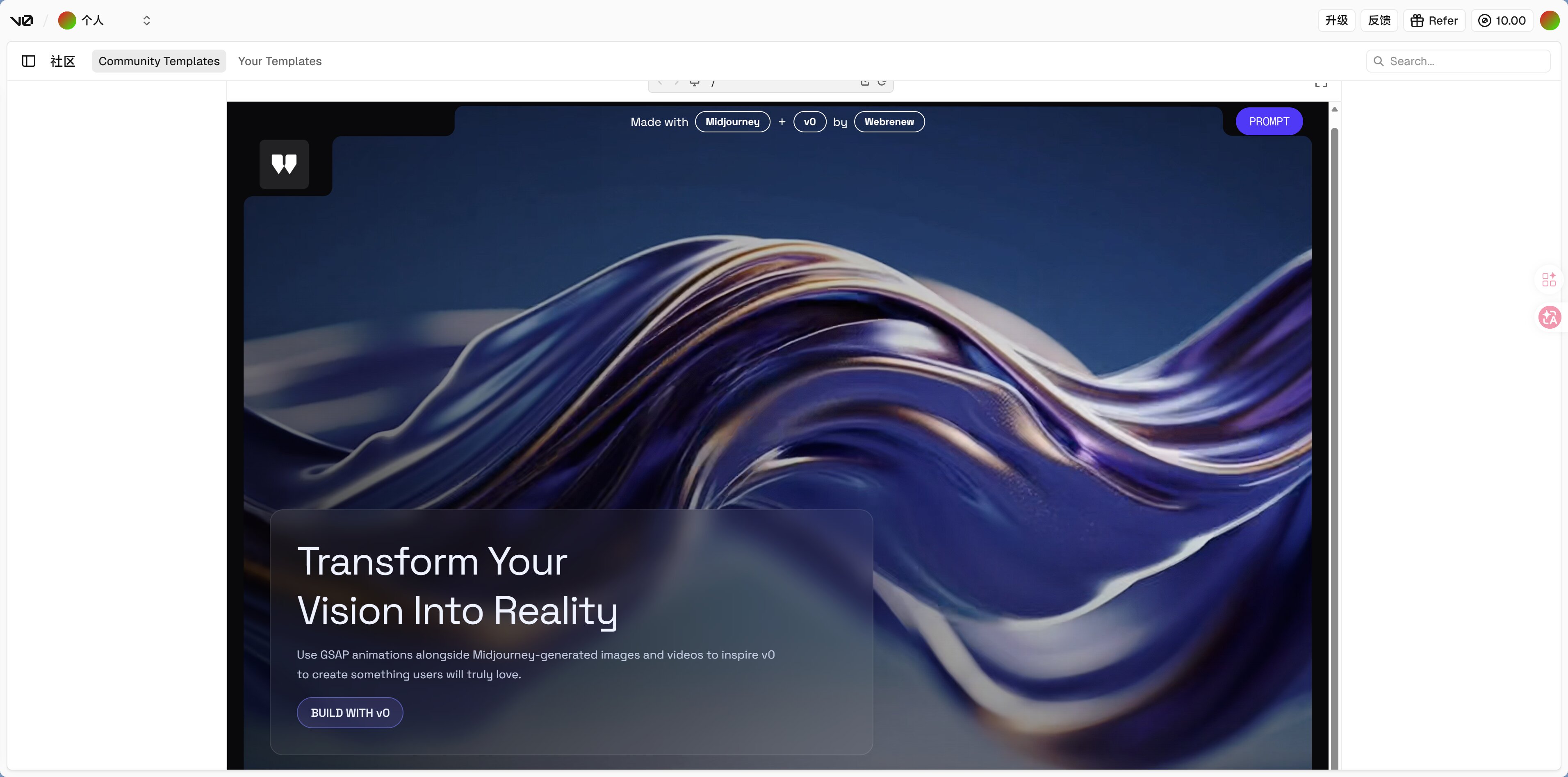
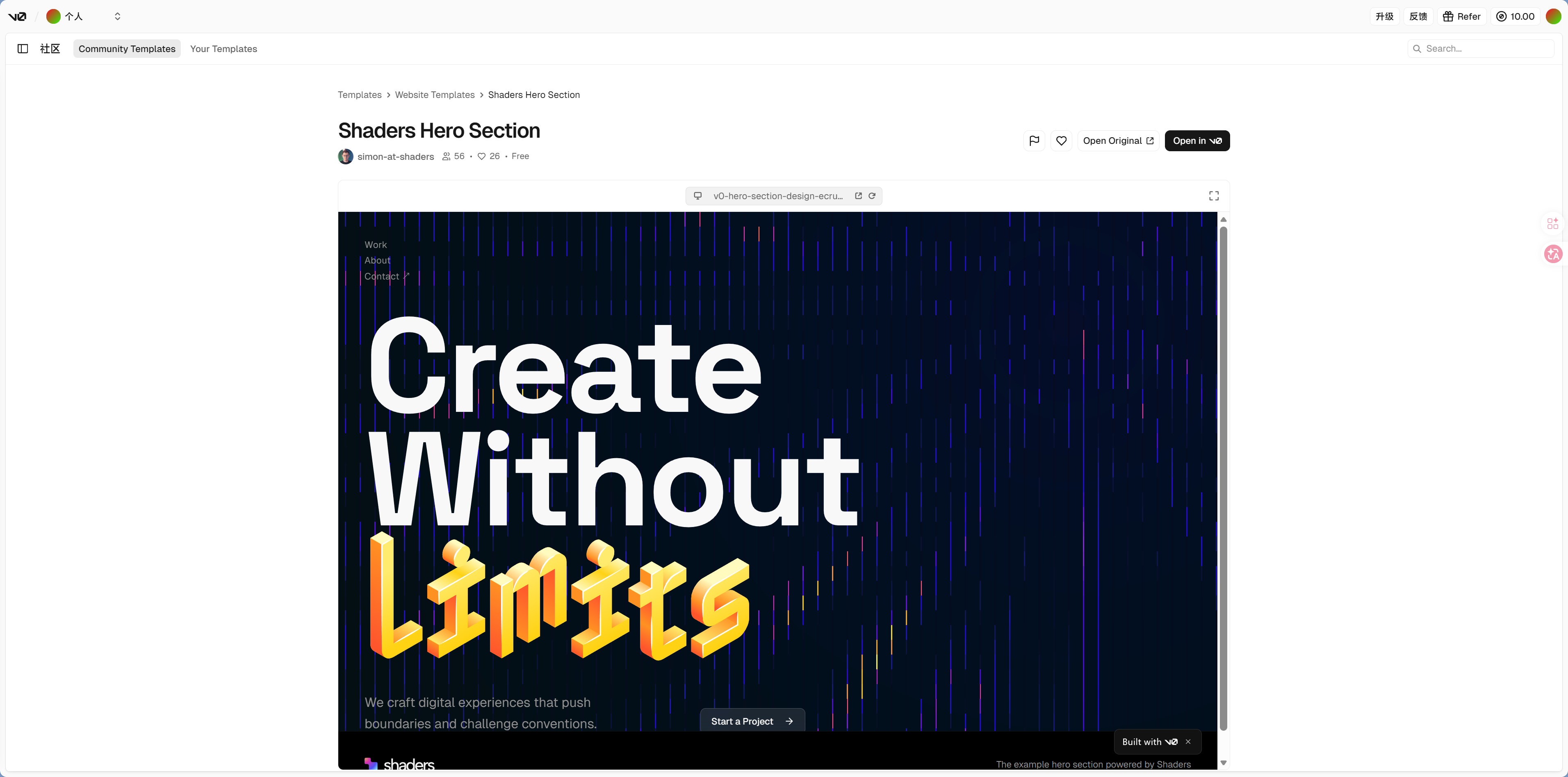
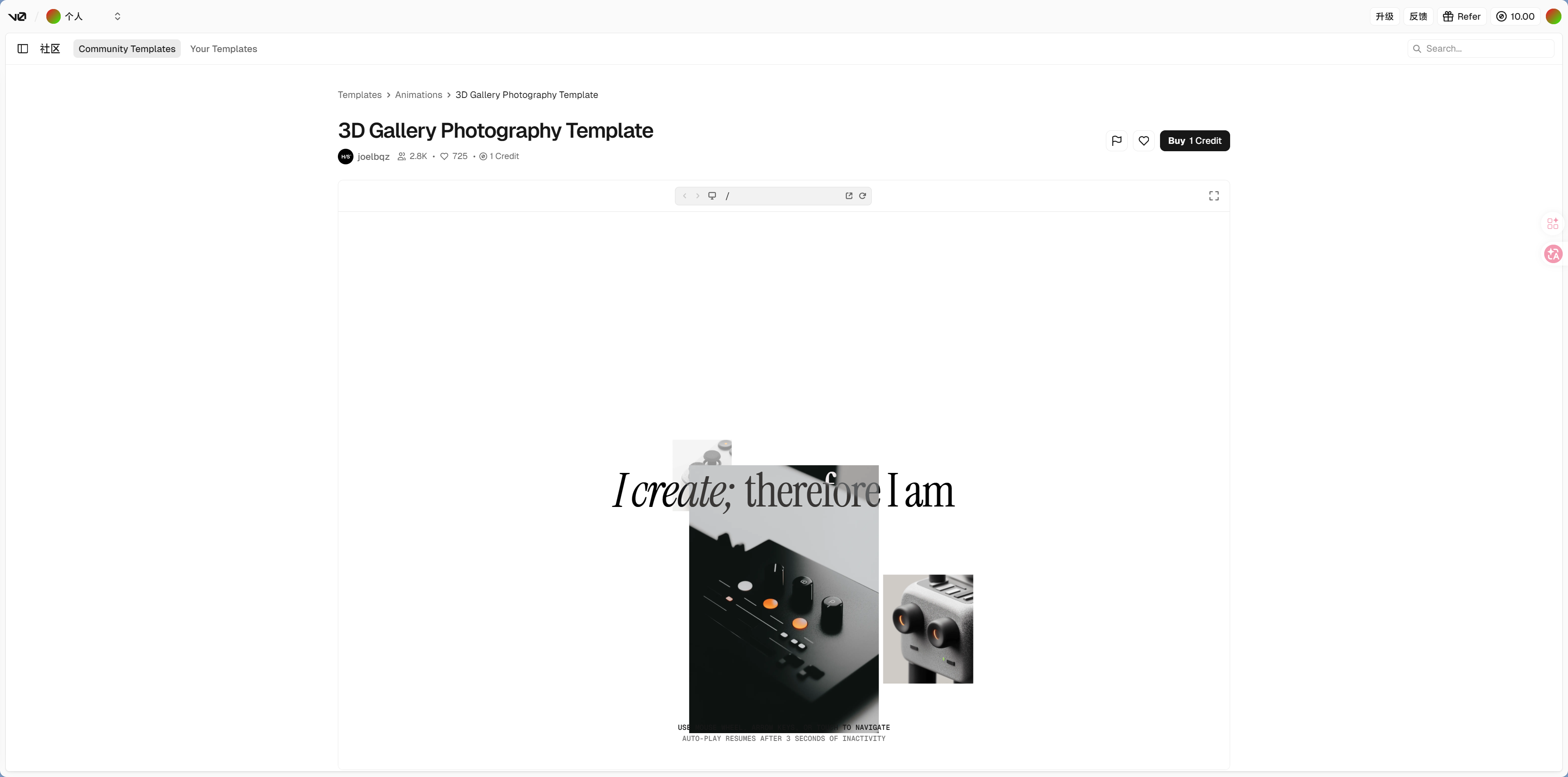
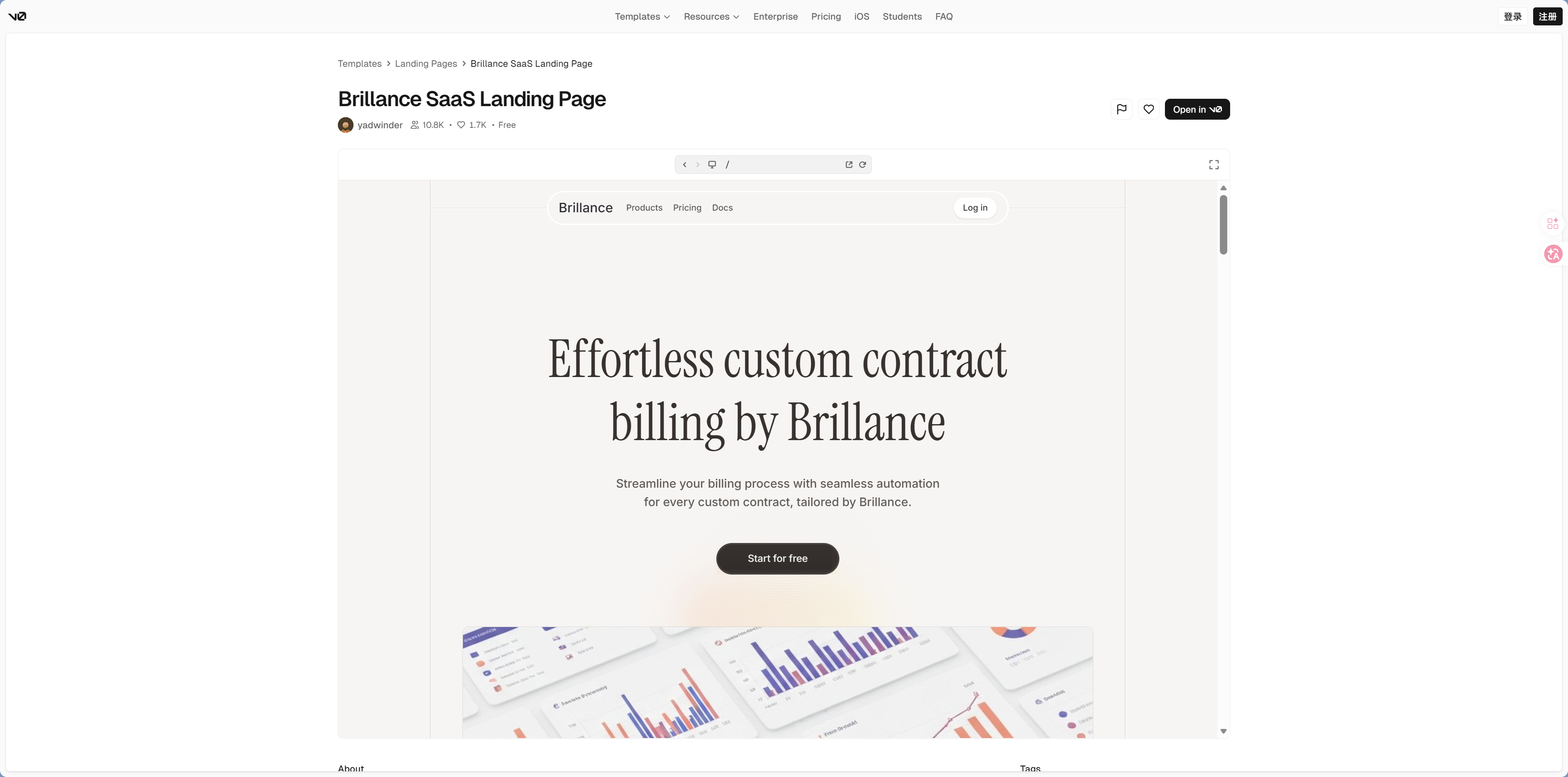
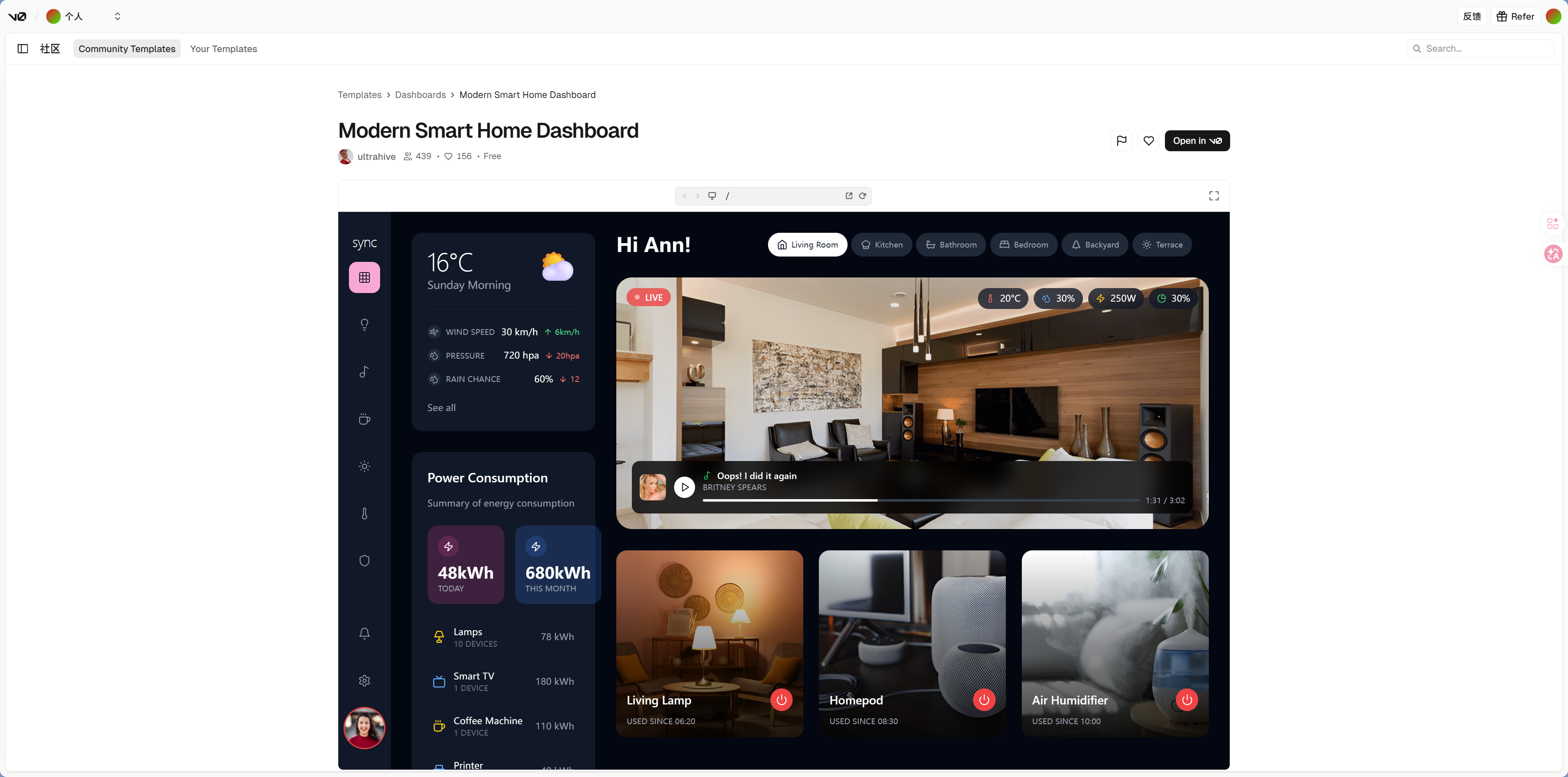
v0.app — AI UI Code Generator
Built by Vercel, it lets you describe the interface you want in natural language and directly generates React + Tailwind + shadcn/ui code.
Best for:
- Quickly generating a single component or page prototype
- Needing code in the shadcn/ui style
- Wanting code you can copy directly into your project
 |  |
 |  |
 |  |
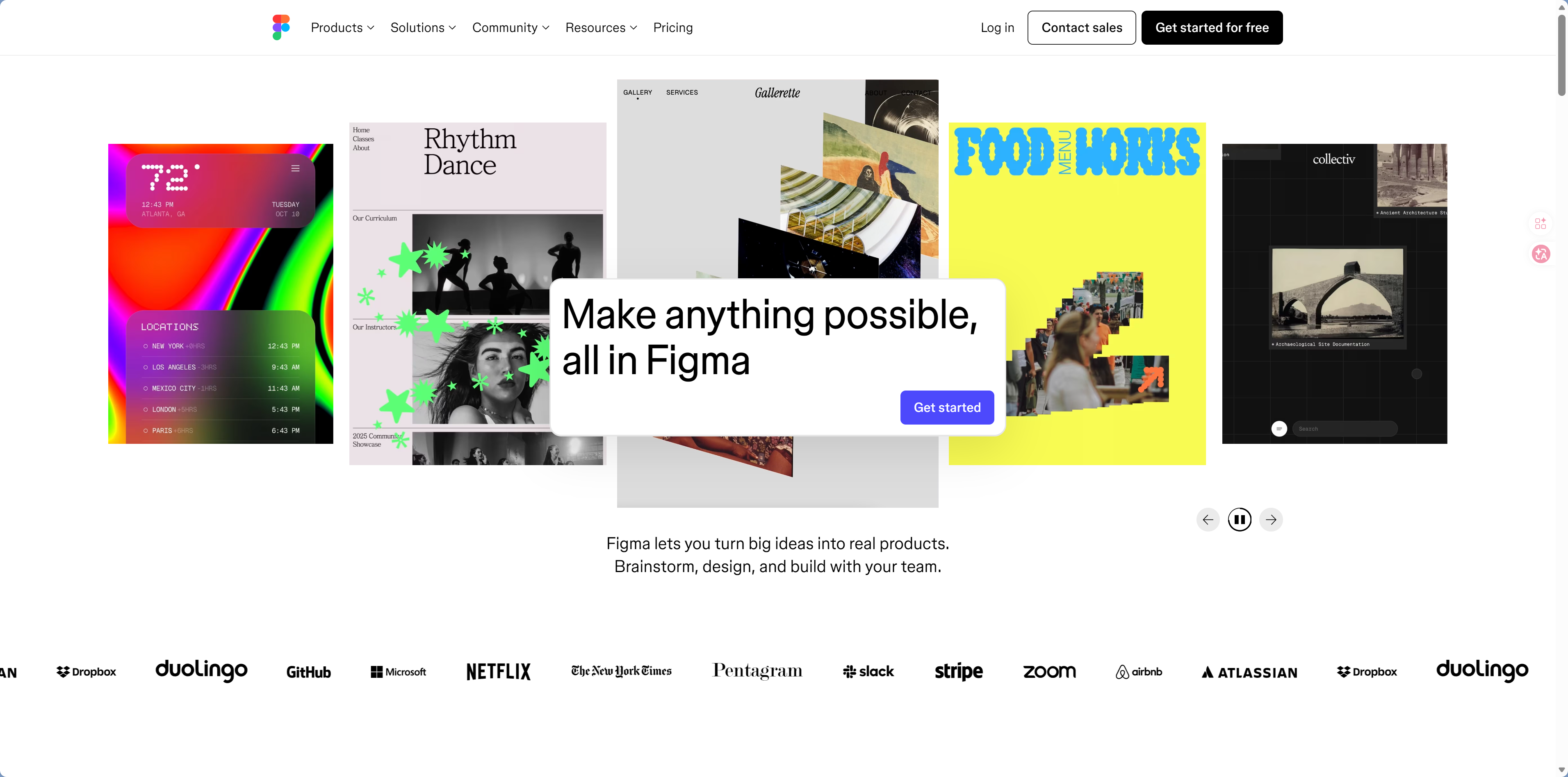
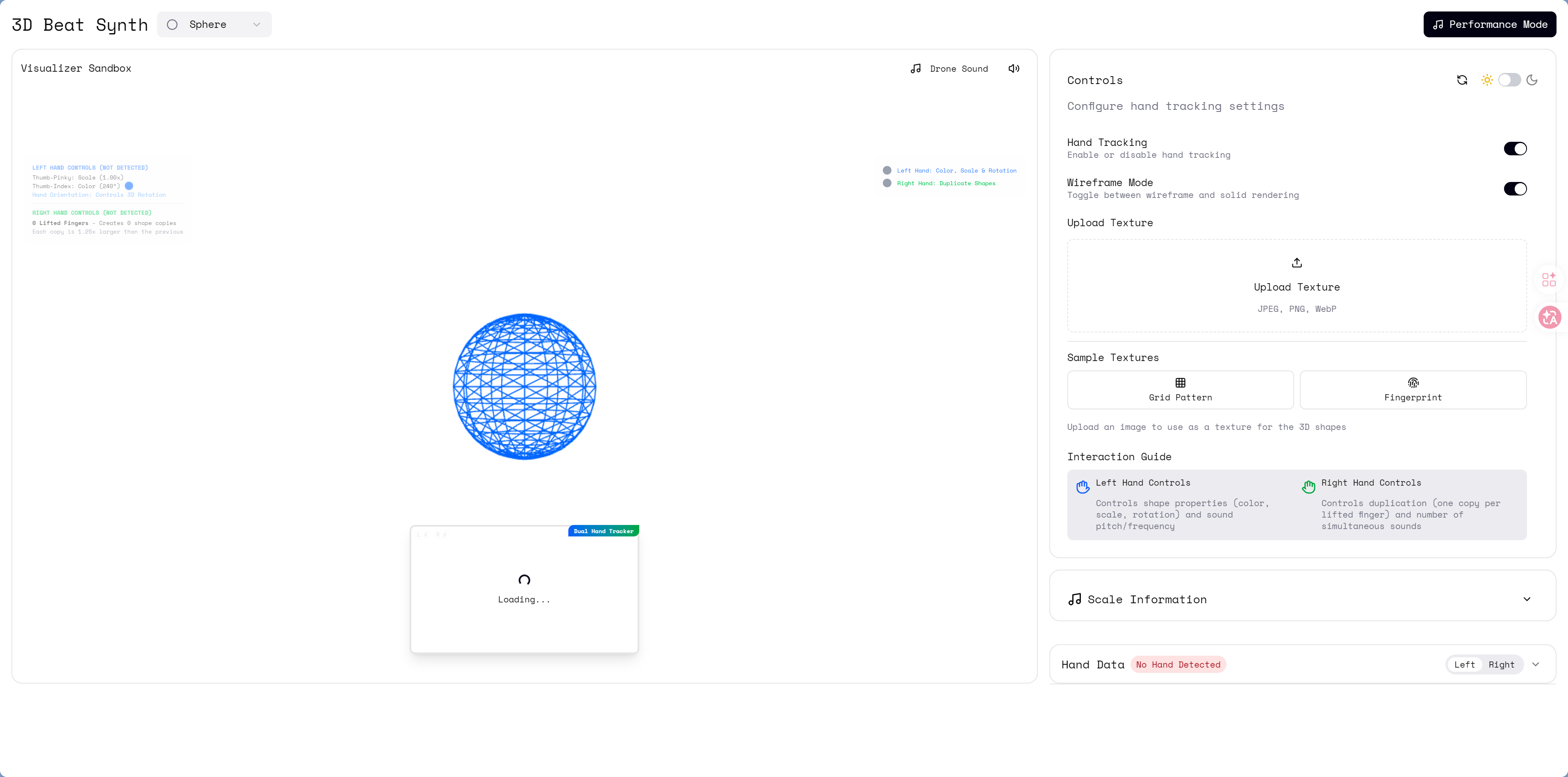
Figma — The Standard Tool in Design
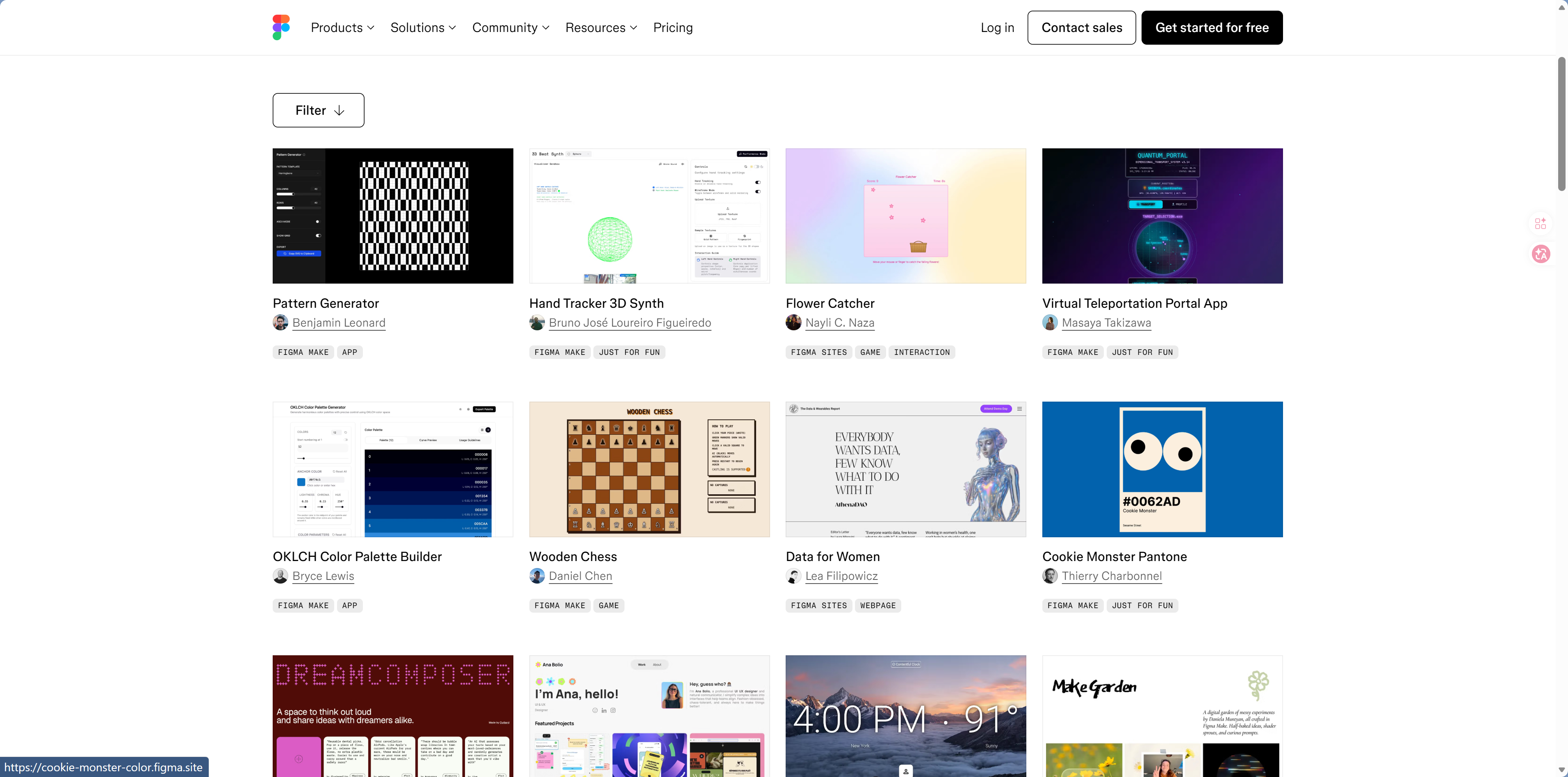
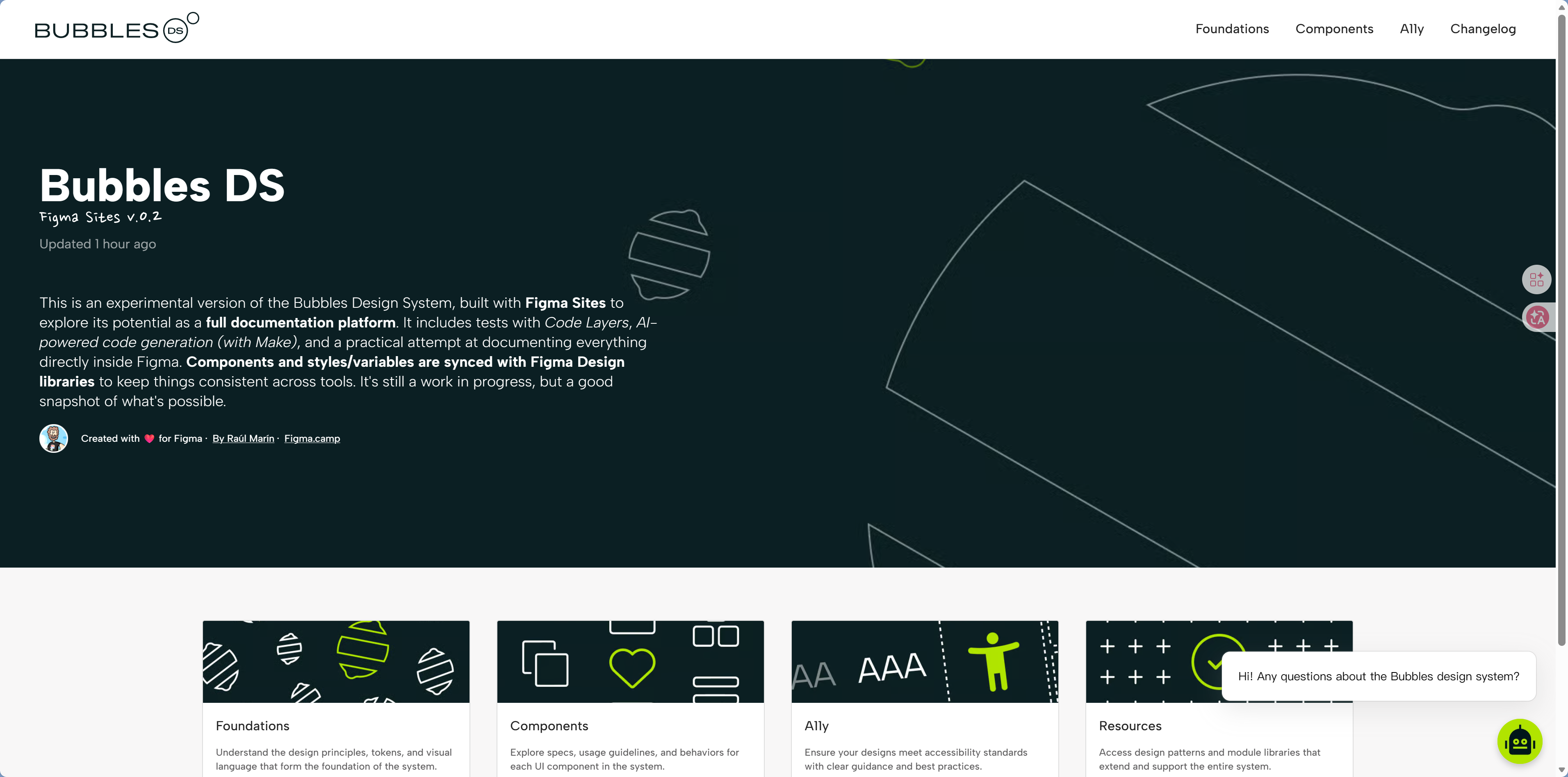
Figma is the go-to tool for professional designers, and it now includes AI-assisted features as well. It doesn't generate code directly, but it helps you create precise design mockups. If you have a clear idea of how a page should look but can't describe it well in words, Figma is your canvas—draw it first, then have AI write the code based on it.
Best for:
- Design mockups that need pixel-level precision
- Collaborative team design (designers + developers)
- Design systems and component specifications
How it works with Claude Code:
Claude Code can connect directly to Figma (through a plugin protocol called MCP). Once configured, you can simply tell the AI:
"Implement this page based on the Figma design"
The AI will read the design information in Figma (colors, spacing, fonts) and generate matching code.
Visit: figma.com
 |  |
 |  |
 |  |
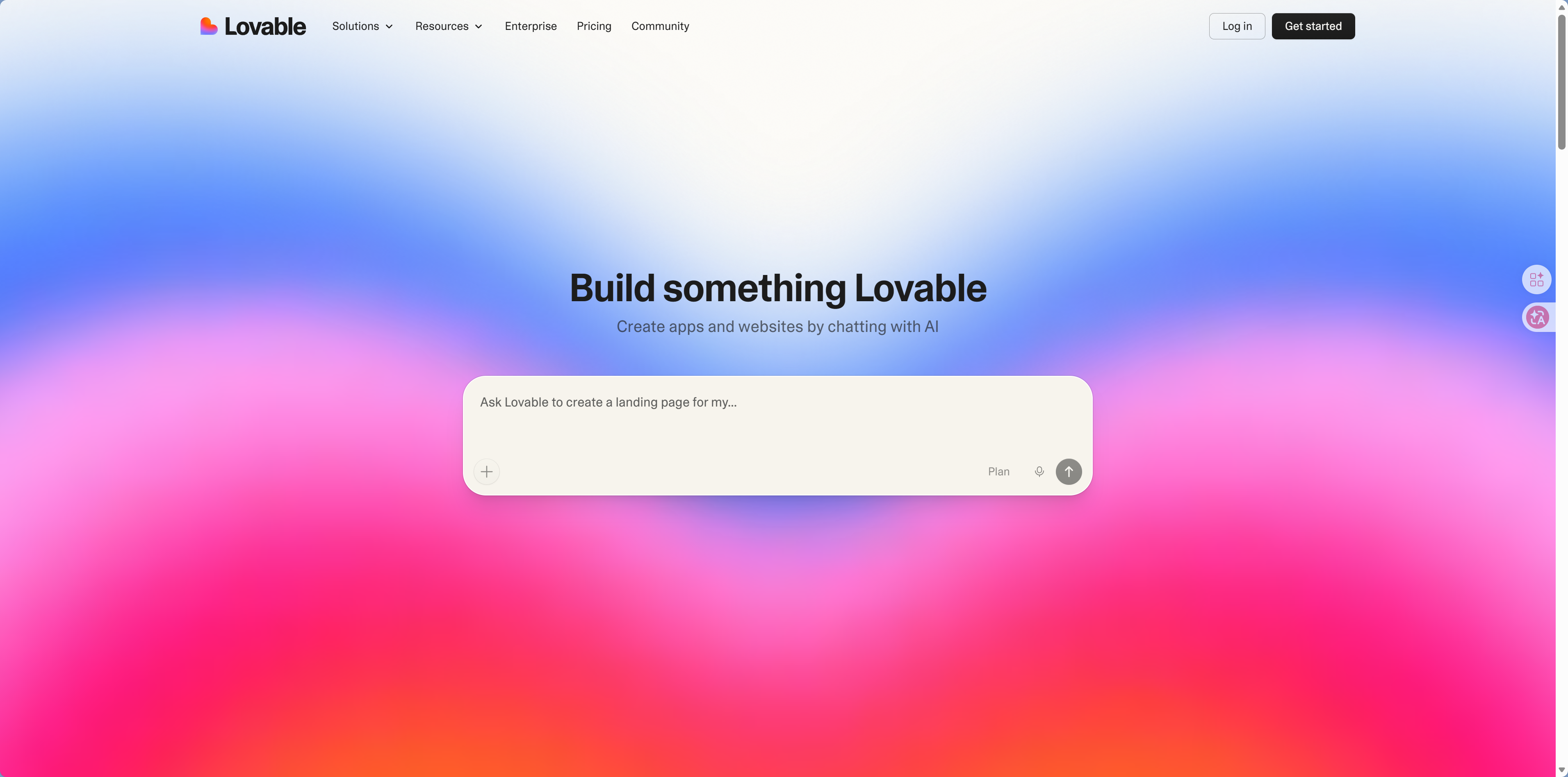
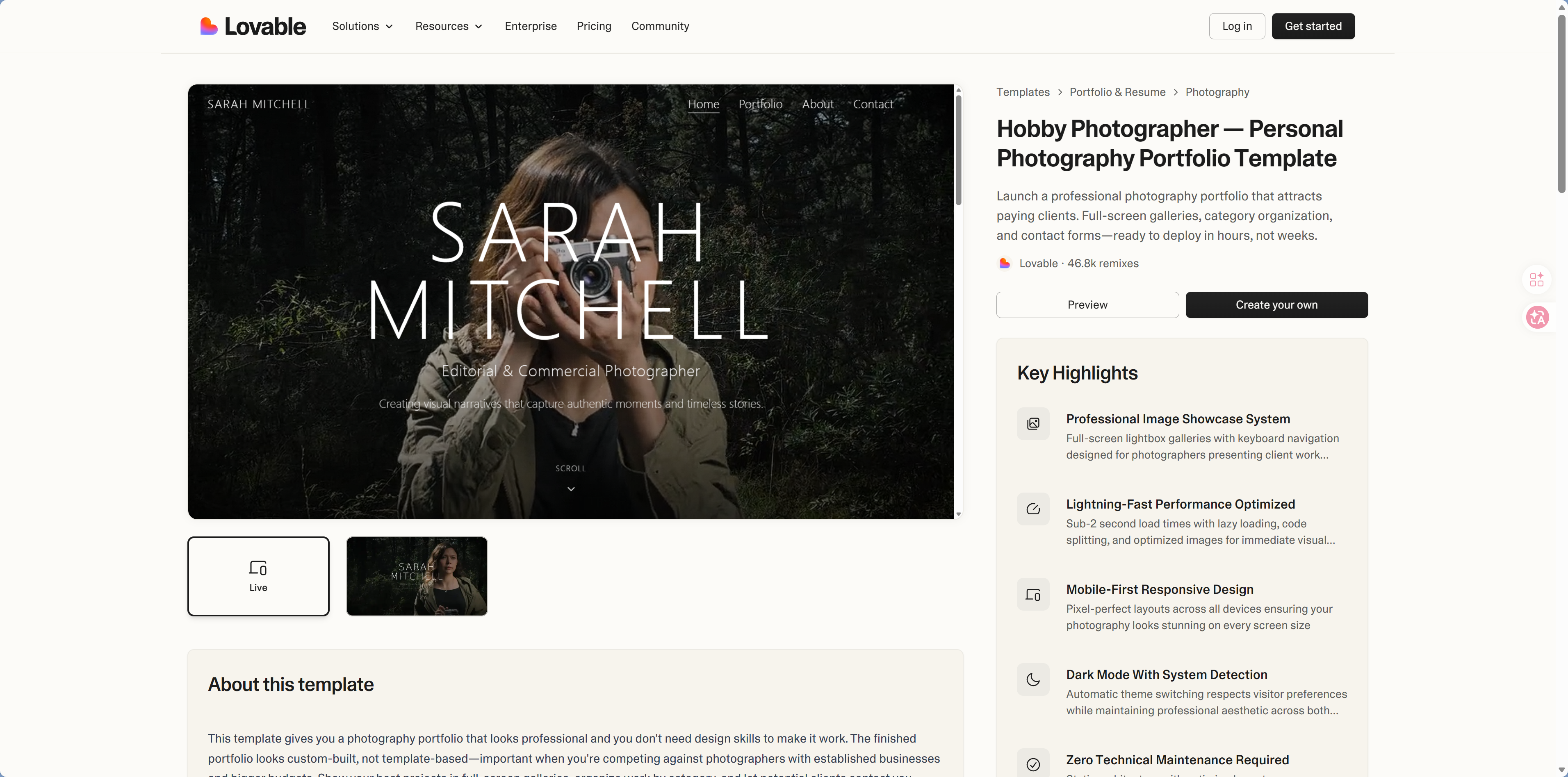
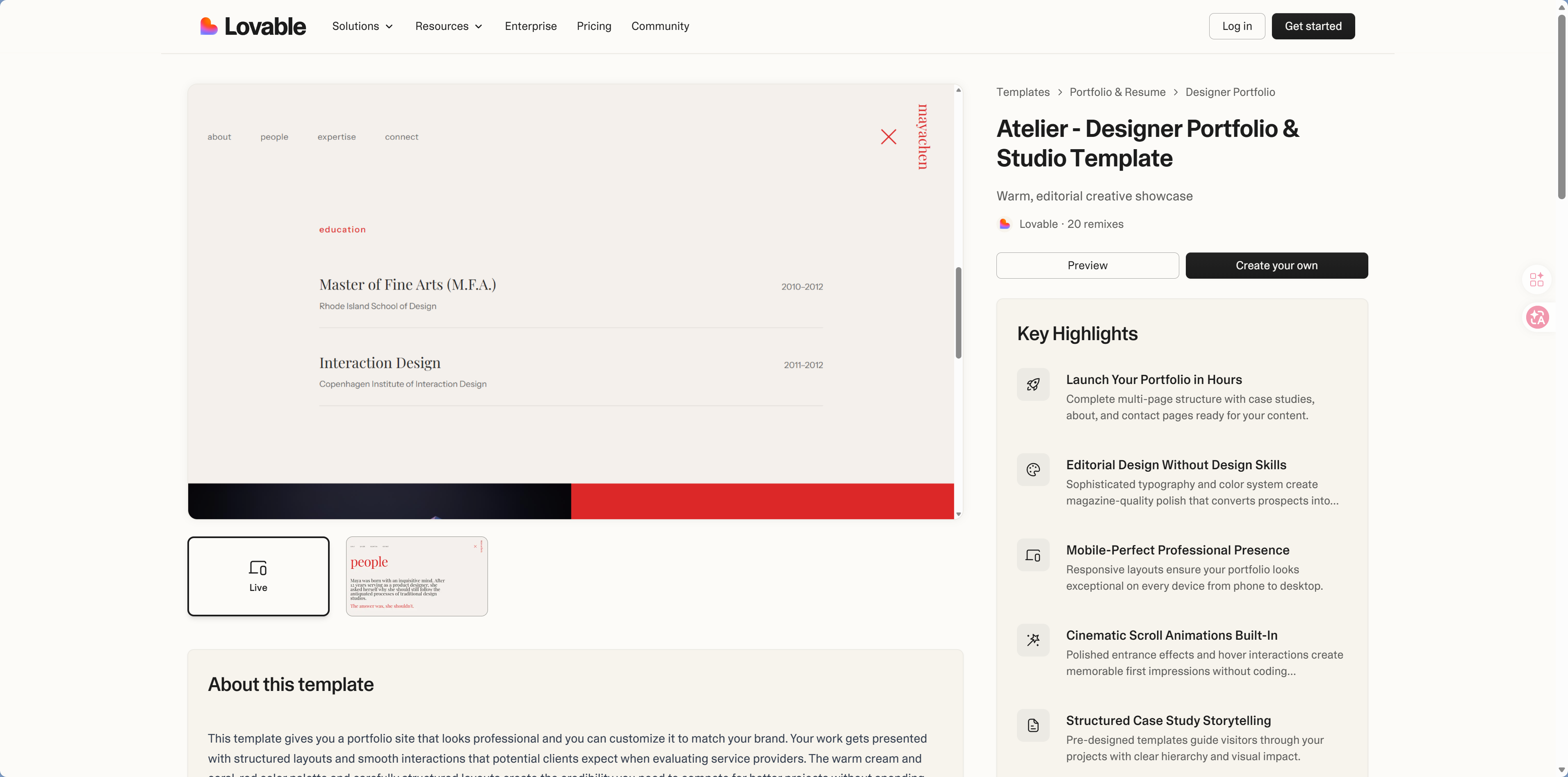
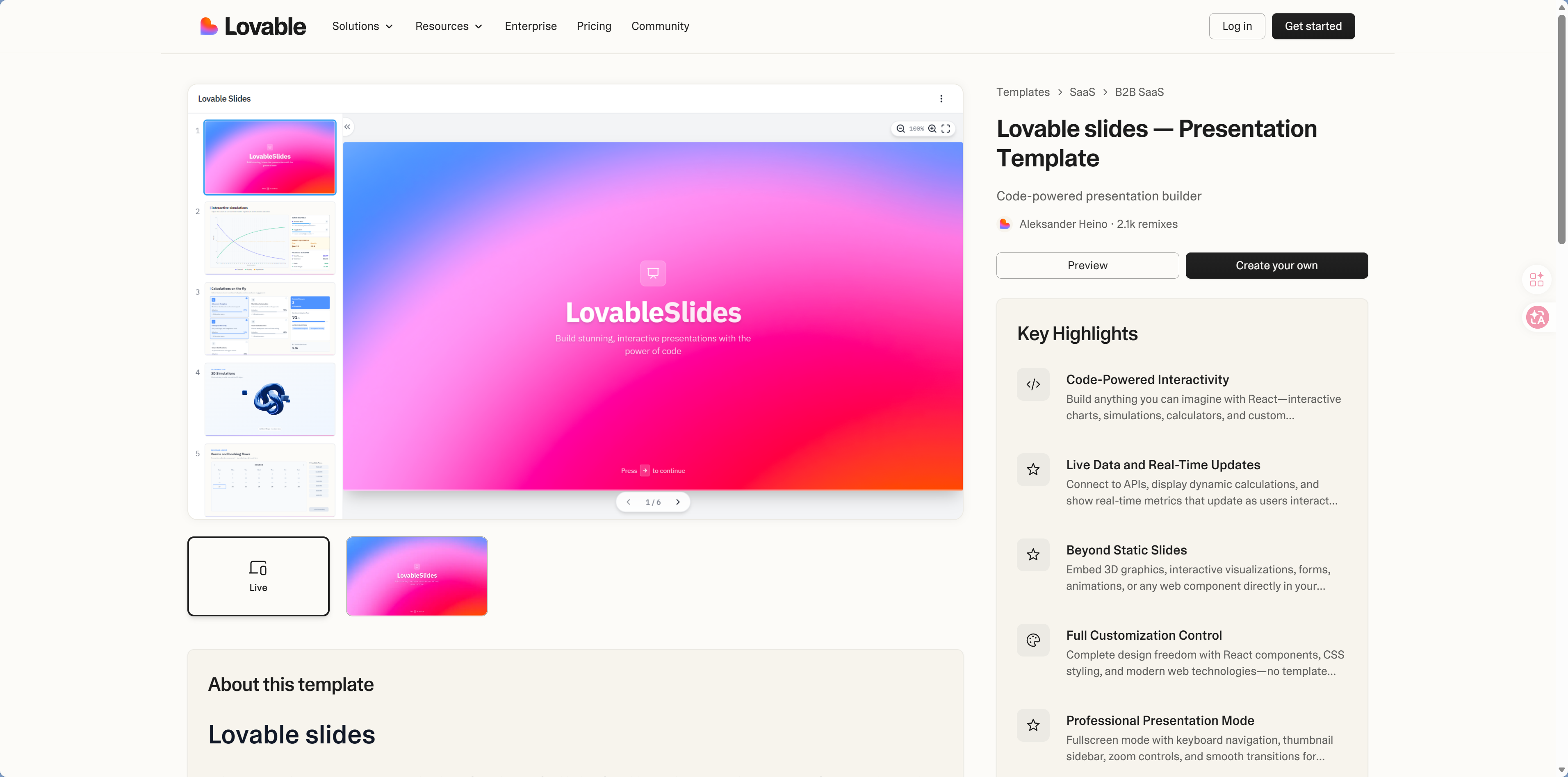
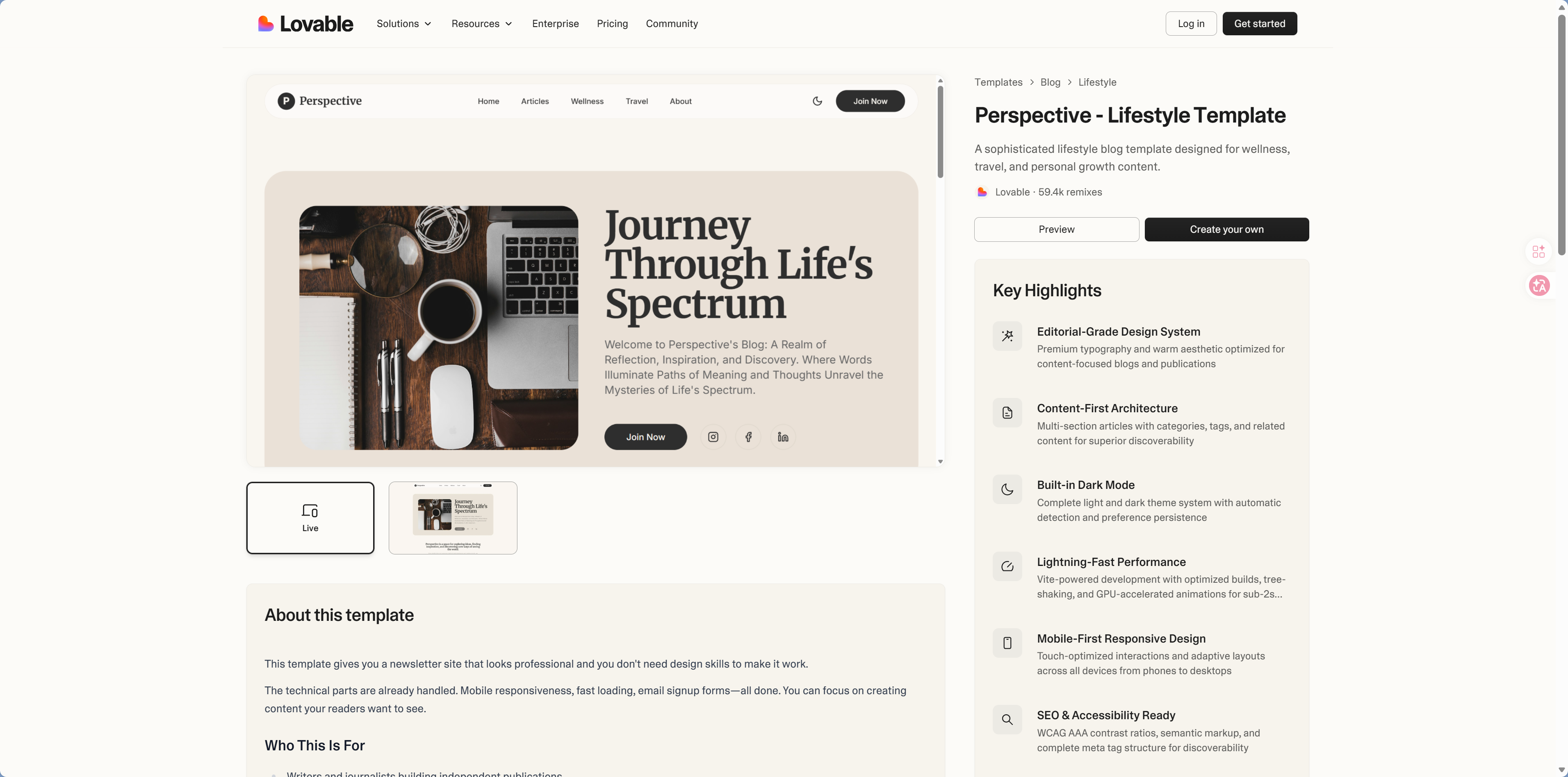
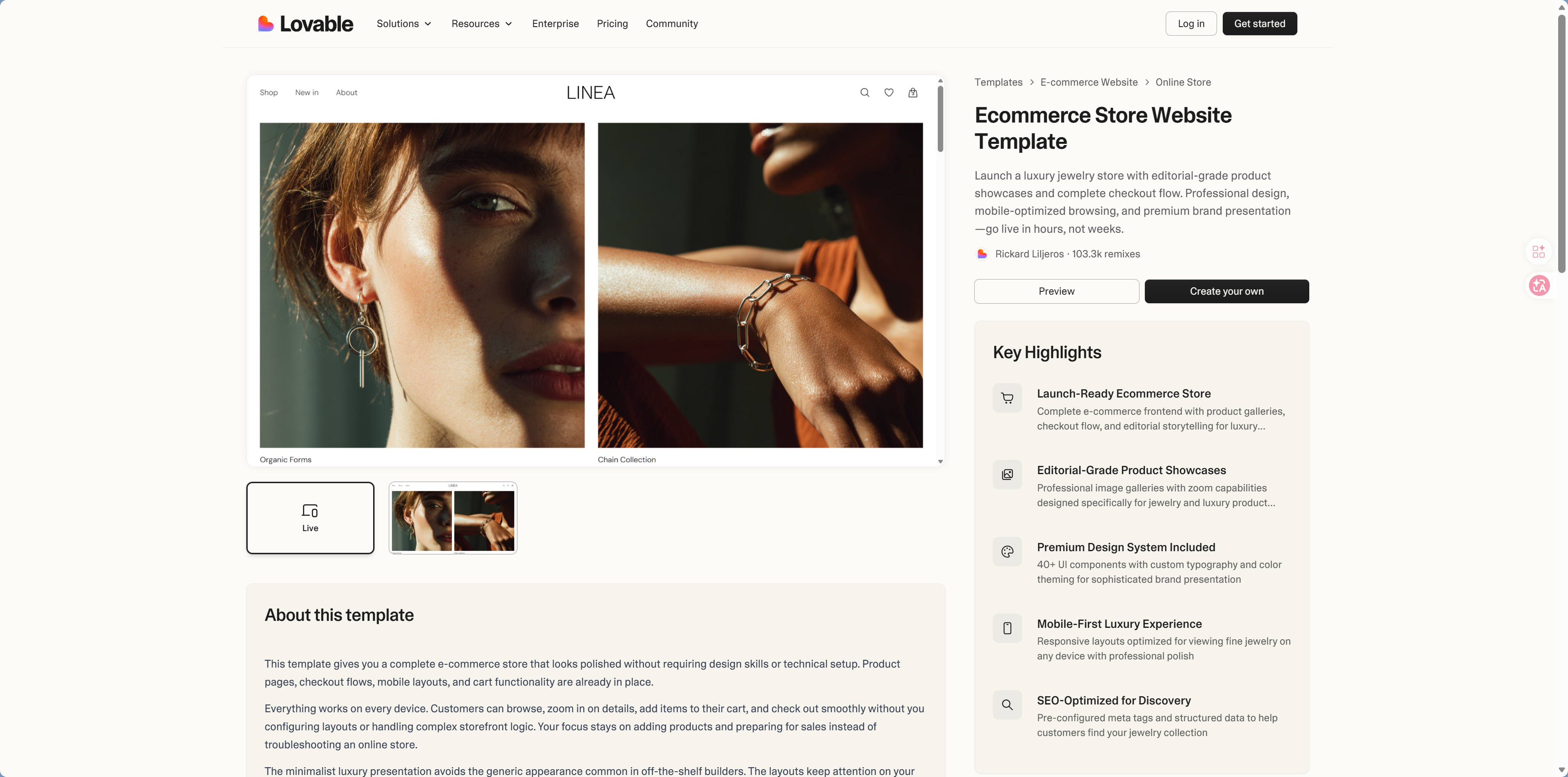
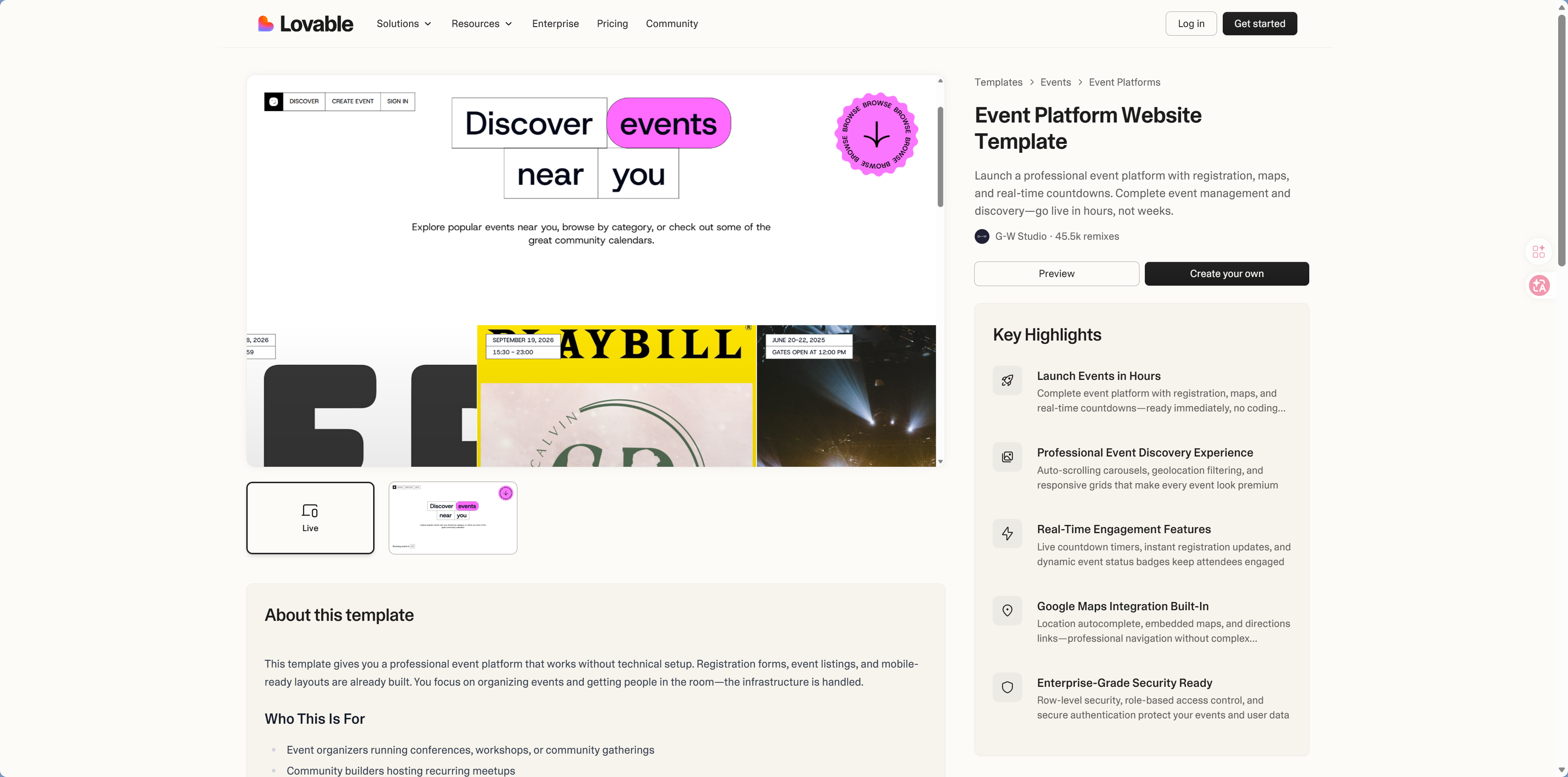
Lovable — Full-Stack App Generator
Lovable does more than just UI—it can generate complete apps with both frontend and backend. It's well suited for quickly validating product ideas. Similar to Google AI Studio, but Lovable is more focused on generating deployable finished products rather than just prototypes.
Visit: lovable.dev
 |  |
 |  |
 |  |
Tool Selection Guide and Recommended Workflow
Let AI Help You Choose a Tool
Not sure which one to use? Just ask AI directly:
"I want to build a product detail page for an e-commerce site, with an image carousel, price display, and add-to-cart button. Which tool is the fastest option?"
AI will recommend the most suitable tool and workflow based on your specific needs.
Tools are just a means
AI tools can help you generate interfaces quickly, but product design thinking is still your core competitive advantage. Tools will keep evolving, but the ability to "understand what users actually need" will never go out of date.
Next step
Now that you know which tools to use, next let's look at the component libraries you can use right away. Continue to 5.2 Component Libraries.