
5.4 UI Styles and Inspiration
Goal of this section: Know where to find design inspiration, learn to describe the style you want to AI using professional terms, and avoid situations where "you say modern, but AI's idea of modern is completely different from yours."
When you say "I want a modern-style login page," AI's understanding of "modern" might be completely different from what you have in mind. As the old pros say: "When communicating design to AI, just saying 'make it look good' is useless—you have to explain what kind of good-looking you mean."
Inspiration Sites
Before you start building, take a look at how others do it. Here are some inspiration sites designers often browse:
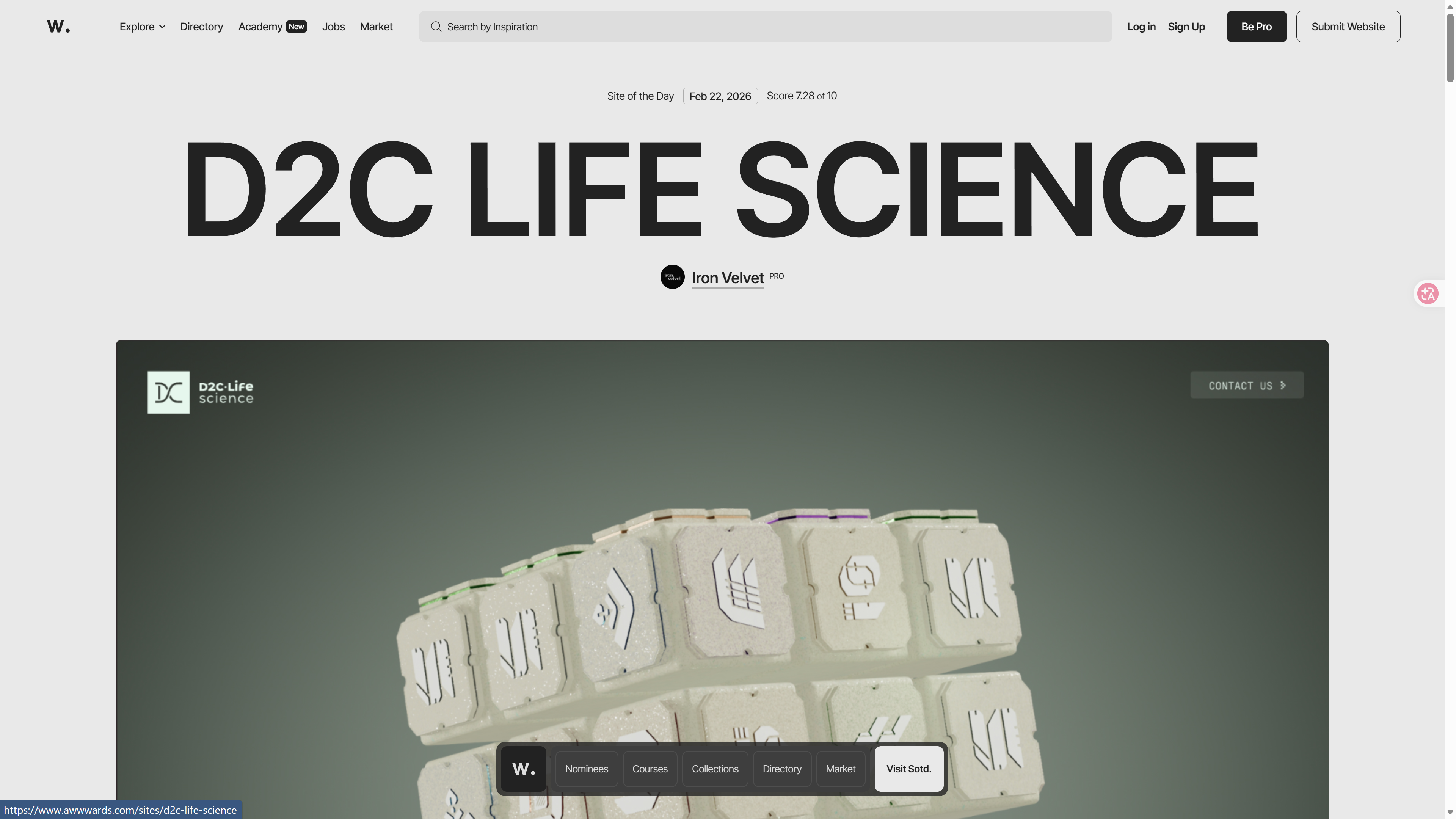
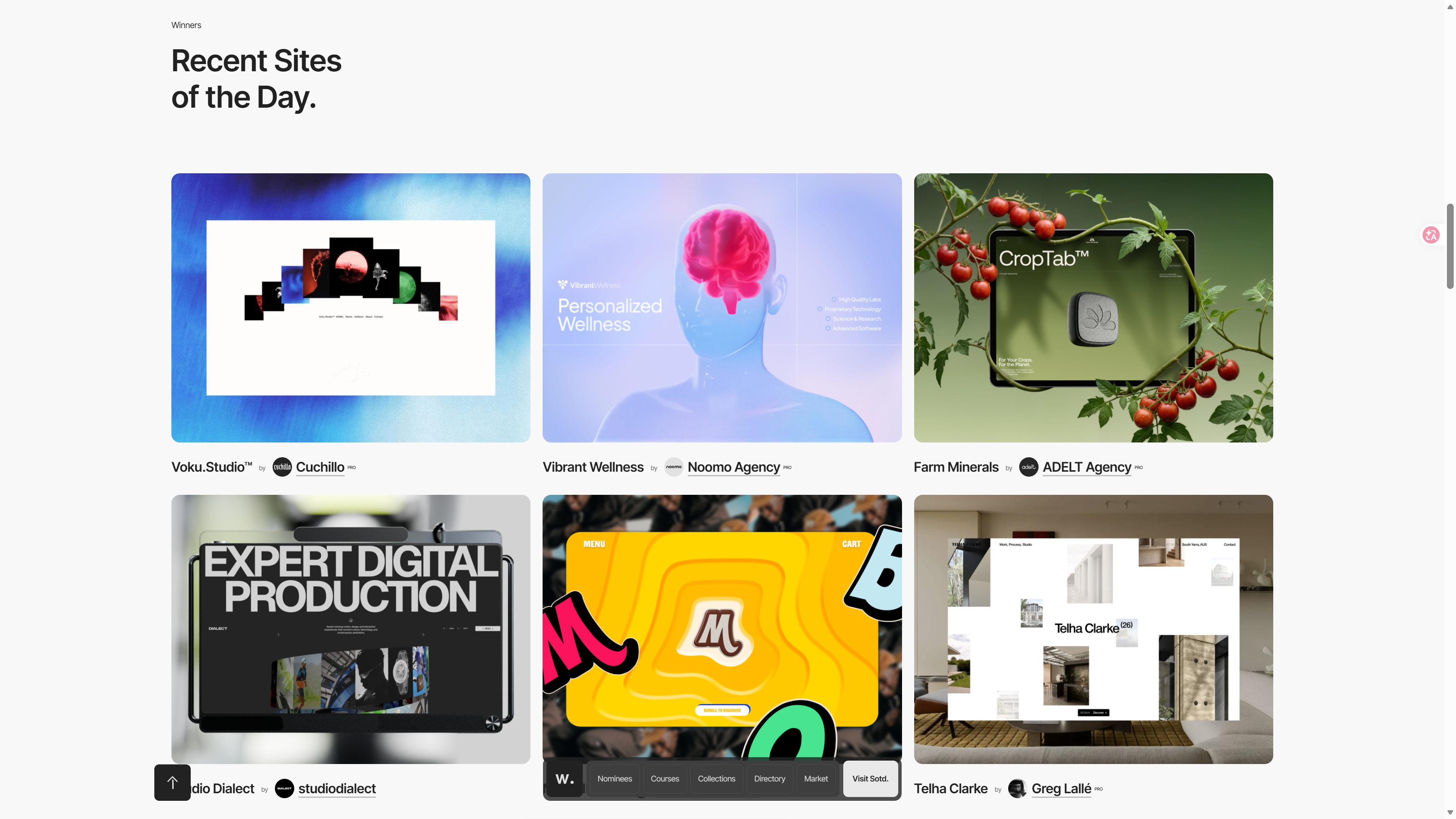
Awwwards — Top Web Design Awards
The world's most authoritative website design awards platform, featuring sites with the highest design standards.
How to use it: Browse award-winning projects, and when you find a style you like, take a screenshot and send it to AI saying, "Use this style as the reference."
 |  |
Visit: awwwards.com
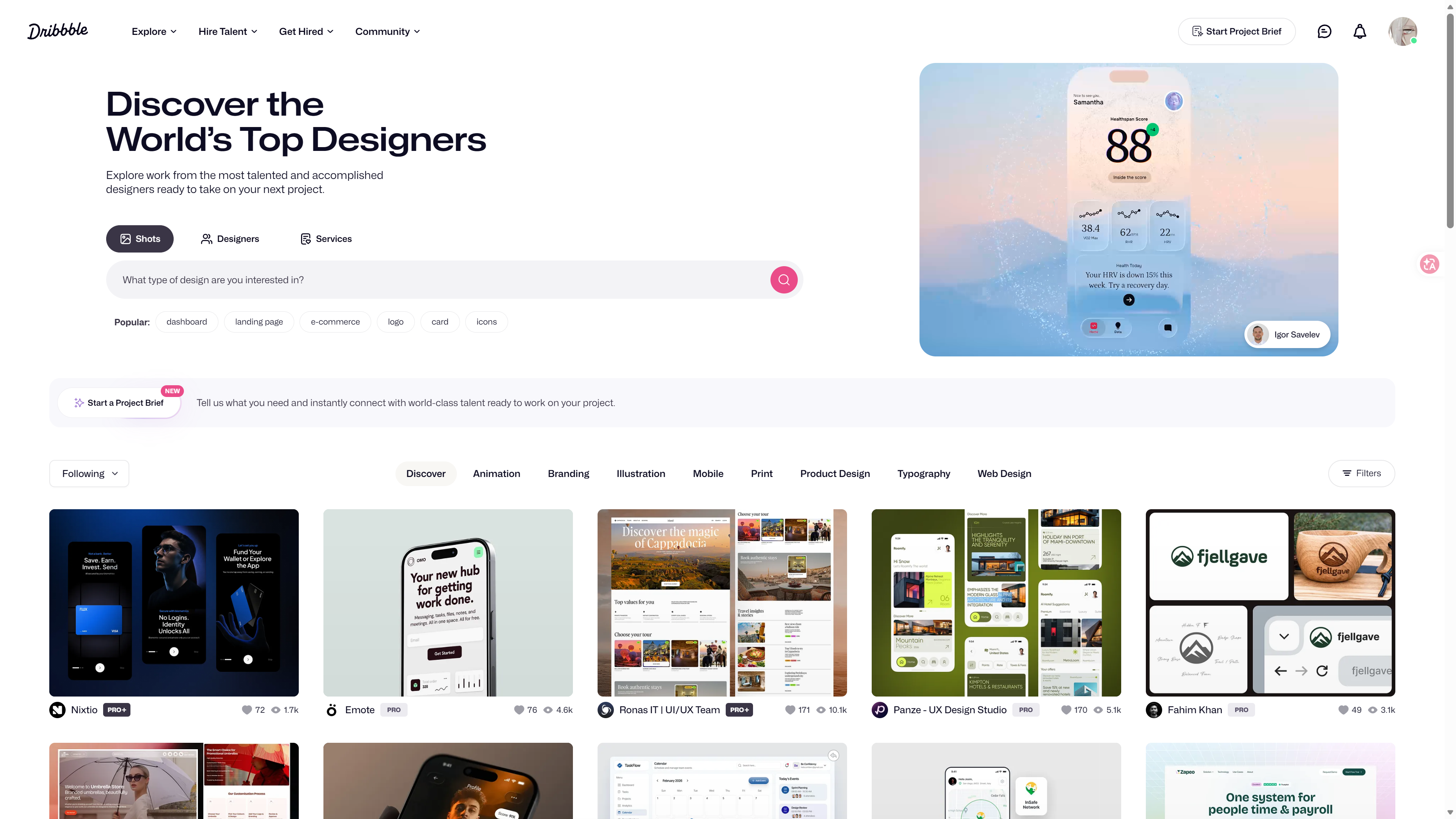
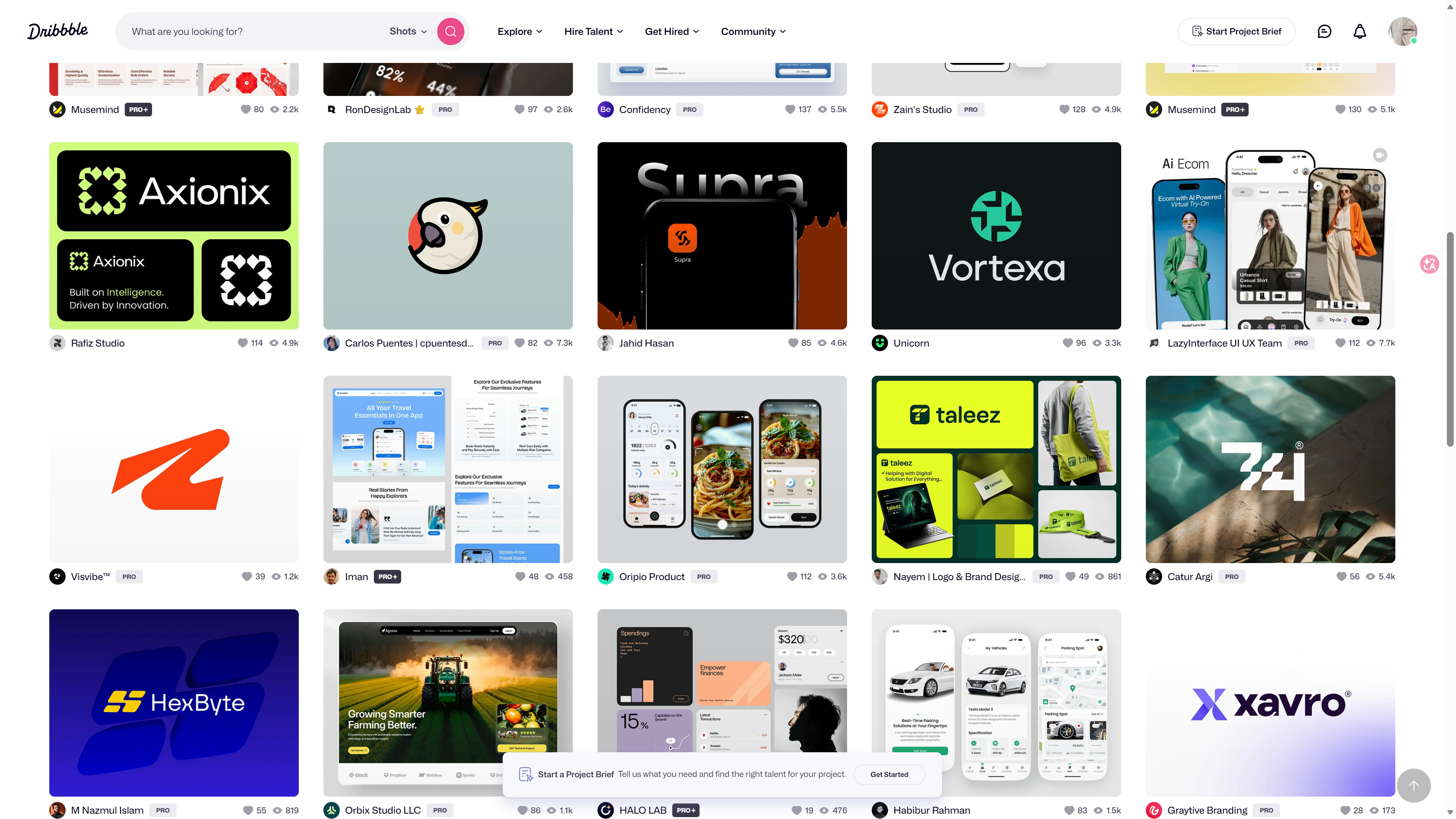
Dribbble — Designer Community
A platform where designers share their work, searchable by category (Web Design, Mobile, UI).
How to use it: Search for the type of page you want to build (such as "dashboard" or "landing page") and find references you like.
 |  |
Visit: dribbble.com
Mobbin — Real App Screenshot Library
A collection of thousands of screenshots from real apps and websites, organized by feature (login, settings, payments, etc.).
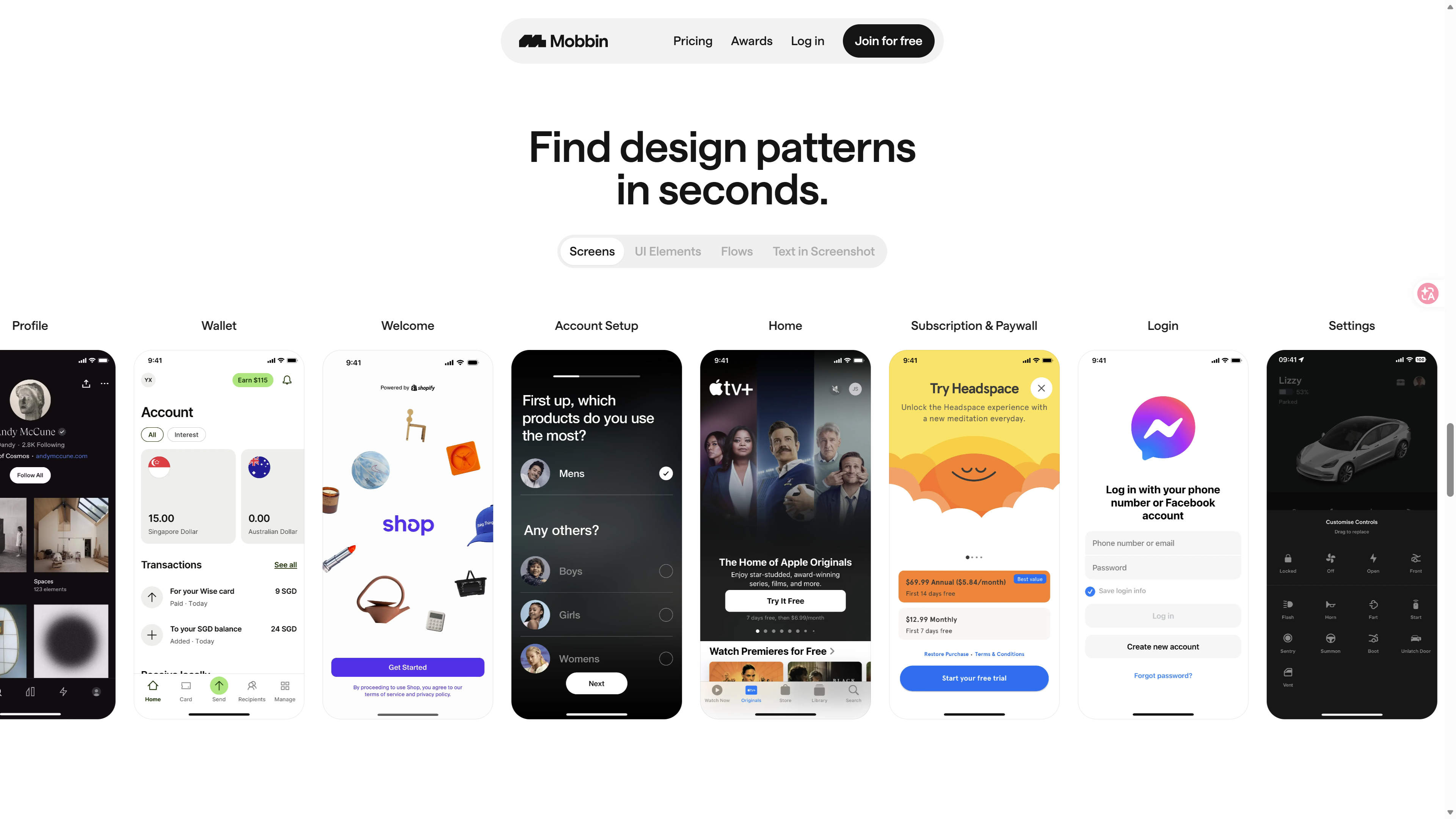
How to use it: Search for a specific feature (such as "onboarding" or "pricing") and see how mature products handle it.
Visit: mobbin.com
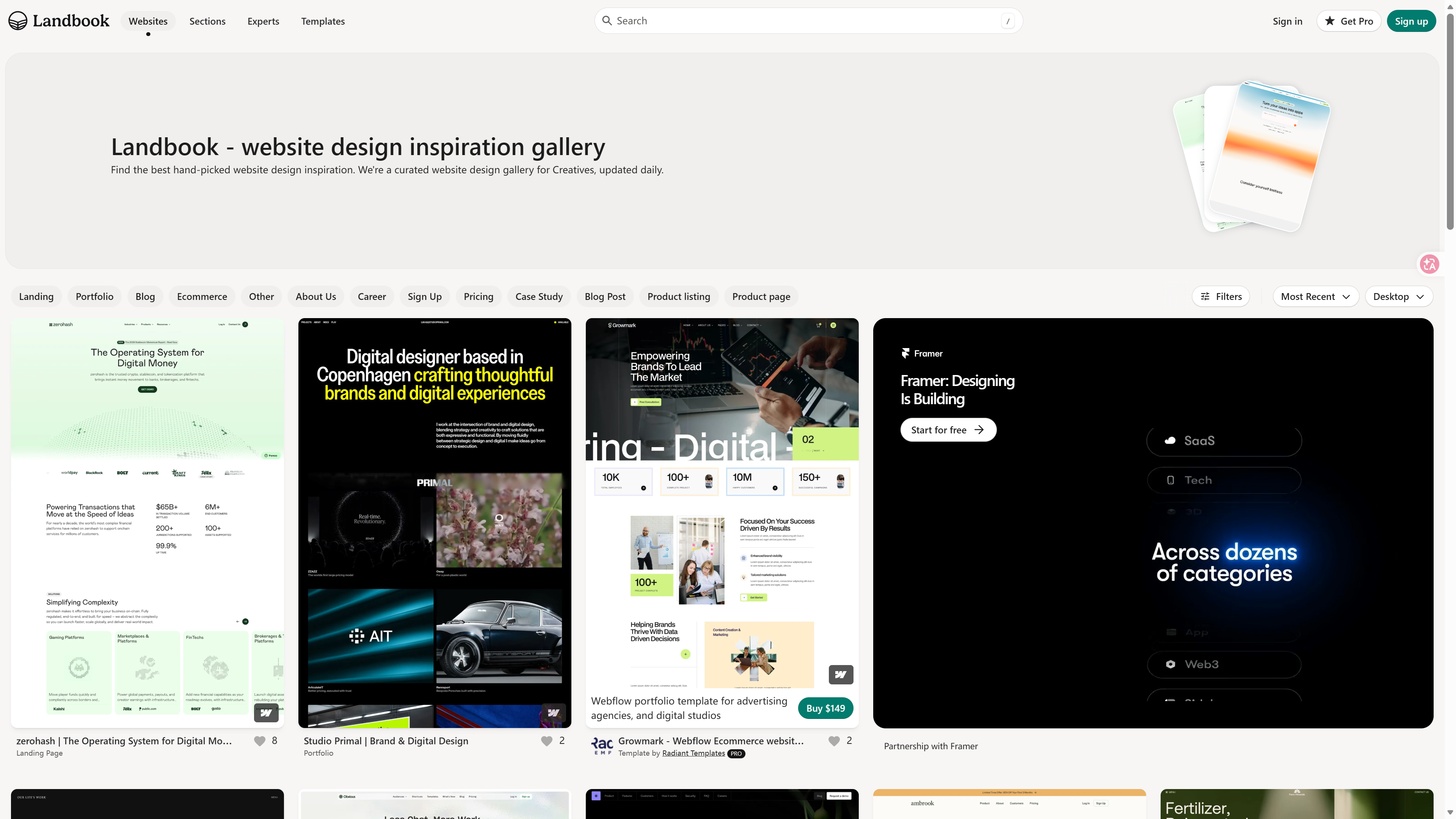
Land-book — Landing Page Inspiration
A site dedicated to collecting excellent landing page designs.
How to use it: If you're building a product homepage or marketing page, the references here are the most direct and relevant.
Visit: land-book.com
Style Keywords
When communicating design with AI, using professional style keywords is 100 times more effective than just saying "make it look good." If you search "glassmorphism" on Dribbble, you'll precisely find frosted-glass style designs; if you search "beautiful design," you'll just get a pile of unrelated results—the same principle applies when communicating with AI. Every style has its own standard name. Here are some common design styles:
玻璃拟态
GlassmorphismHow to Describe a Style to AI
The old pros summarize it with one formula:
Style keywords + color palette + reference site/screenshot + specific scenarioColor Tools
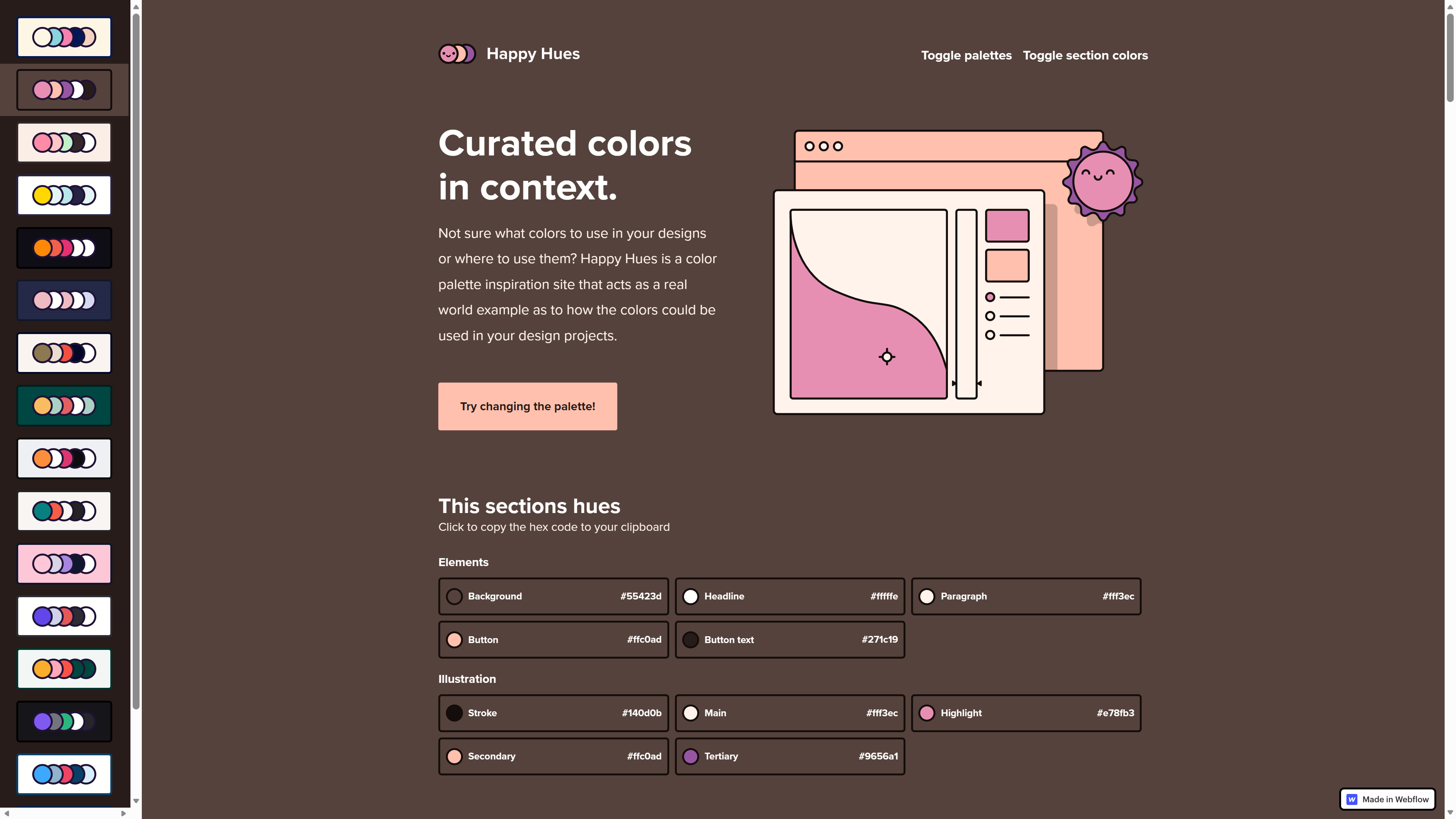
Have you ever opened a website and felt like "something seems off" but couldn't explain why? Most likely, the color palette wasn't harmonious. Color tools help you generate visually balanced color combinations:
| Tool | Purpose | URL |
|---|---|---|
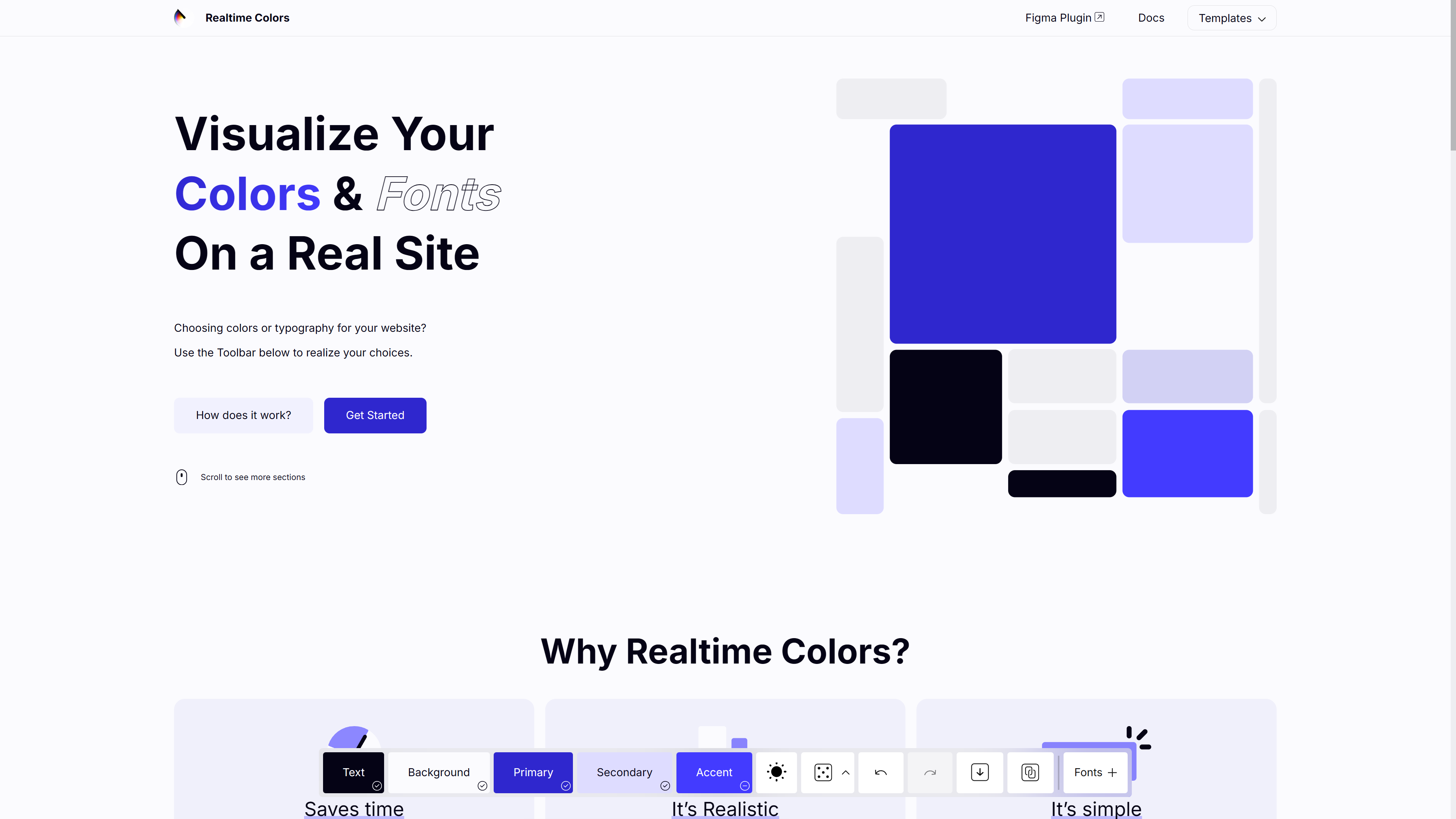
| Realtime Colors | Preview color schemes on a webpage in real time | realtimecolors.com |
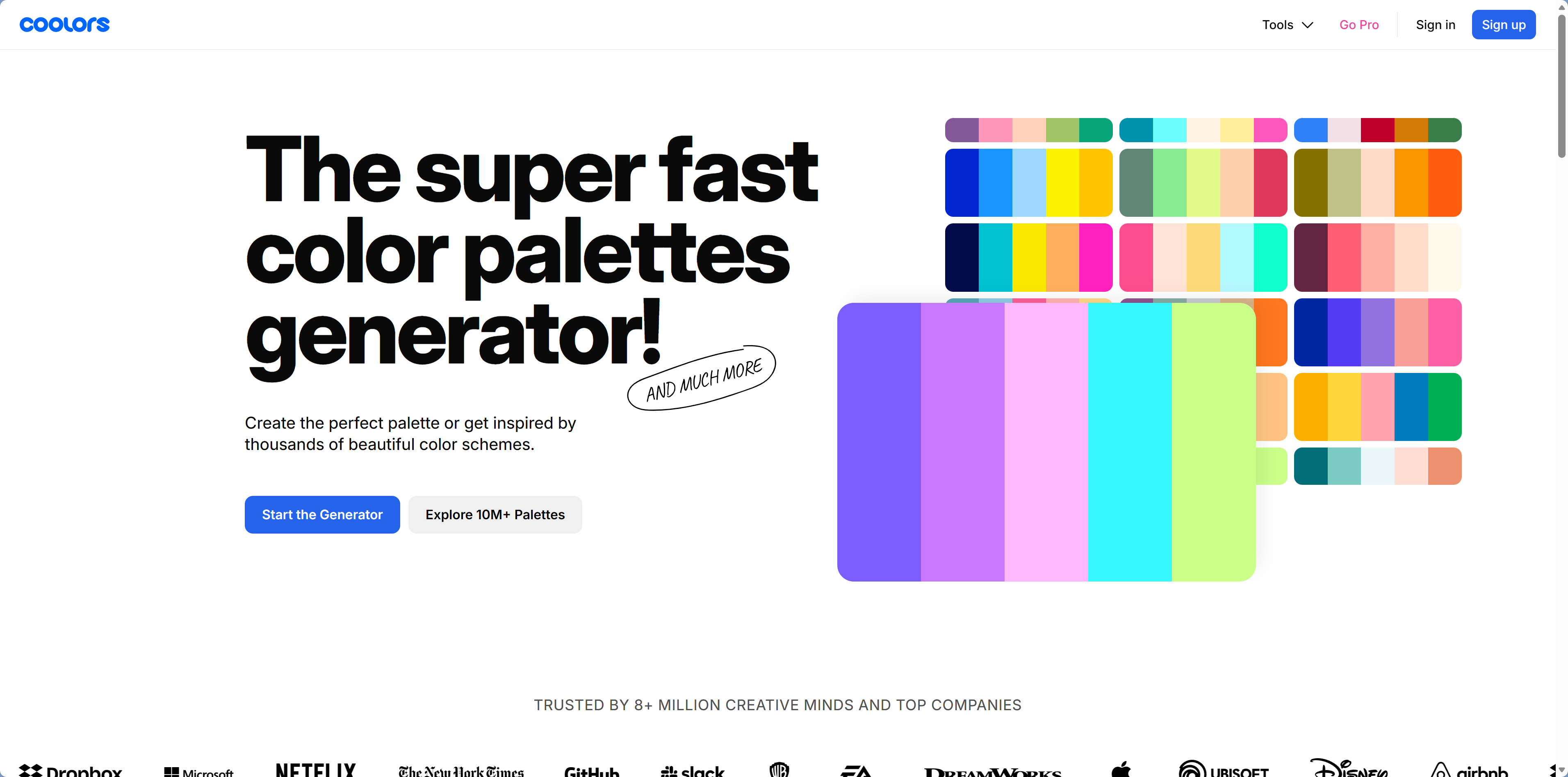
| Coolors | Randomly generate harmonious color palettes | coolors.co |
| Happy Hues | Provides complete color schemes + previews | happyhues.co |
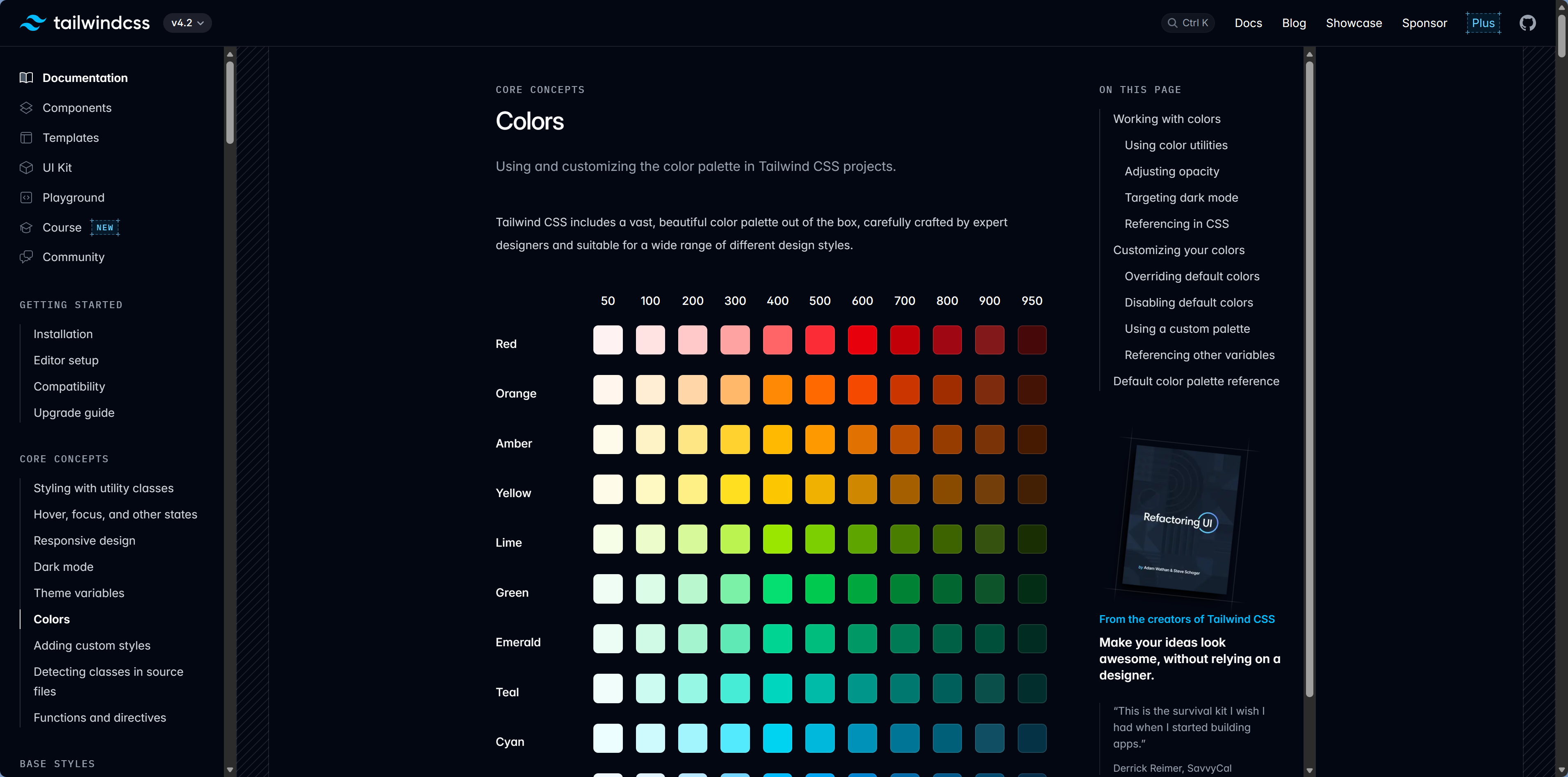
| Tailwind Color Palette | Tailwind's built-in color system | tailwindcss.com/docs/colors |
Color Shortcut
Don't want to pick colors yourself? Tell AI: "Use Tailwind's slate palette for dark mode" or "Use Tailwind's blue palette as the primary color." Tailwind's color system already gives you well-tuned lightness and contrast levels.
Next Step
Now that you have inspiration and a style direction, want to know how to create those effects that "look expensive"? Continue to 5.5 Effects That Make a Page Look More Premium.