
Chapter 11: Git Version Control and Collaborative Development
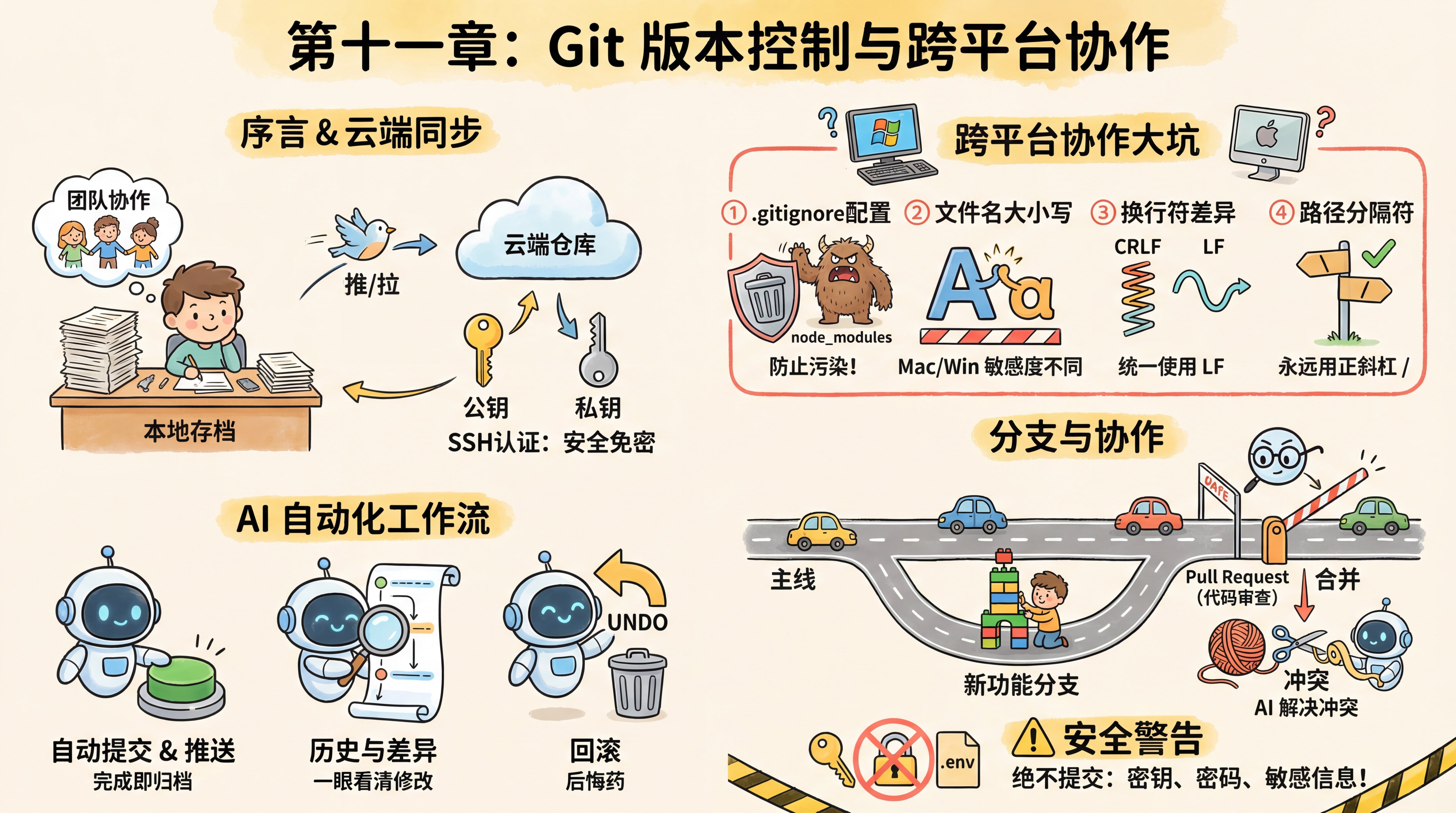
Preface
Xiaoming used Cloudflare Tunnel to show a friend the rating feature in "Personal Douban." After trying it, the friend said, "Pretty cool. I've been learning recommendation algorithms lately—let me build a 'You May Also Like' feature for you."
Xiaoming was thrilled and zipped up the project folder to send it over. The friend unzipped it, changed a few files, then zipped it back and sent it over. When Xiaoming looked at it, he realized that the friend's recommend.ts was different from the recommend.ts he had just modified himself, and he had no idea whose version to keep. To make things even trickier, the friend had also changed package.json to add a new dependency, while Xiaoming's own package.json had been updated too.
The two of them went line by line through their WeChat messages: "What's on line 47 in your file?" "I don't even have line 47 here—I deleted a section..."
An old hand happened to walk by, glanced at the chat history, and said three words: "Use Git."
Xiaoming said, "Git? I think I've heard of it—isn't that the version control tool programmers use?"
The old hand said, "Your project directory may already have it. When Claude Code helps you create a project, it usually initializes a Git repository automatically. You've been using it all along—you just didn't realize it."
"Then why am I still sending zip files around?"
"Because you've only been using Git's local features—snapshotting and rollback. What you need now is the other half of its power: push your code to the cloud so other people can get it too, and work on the same codebase at the same time without stepping on each other."
This chapter starts with Xiaoming's "zip file collaboration" dilemma and walks you through what problems Git solves, how to push your code to the cloud so your friend can access it, and how multiple people can develop at the same time without conflicts.
Sections in This Chapter
| Section | Content |
|---|---|
| 11.1 Why Git Is Necessary | The "final version" dilemma, what Git solves, the three-area model, the first commit, rollback, commit conventions |
| 11.2 Push to the Cloud and Start Collaborating | Single point of failure, GitHub, SSH authentication, push/pull, clone, conflict resolution, .gitignore, security warnings |
| 11.3 Branches, PRs, and Team Workflows | Branches, Pull Requests, Code Review, cross-platform collaboration, day-to-day development rhythm |
Previous Chapter: Chapter 10: Localhost and Public Internet Access
Next Chapter: Chapter 12: Serverless Deployment and CI/CD Automation